Select the partition in which rom.bin is stored, then press OK key to enter a file list. From the
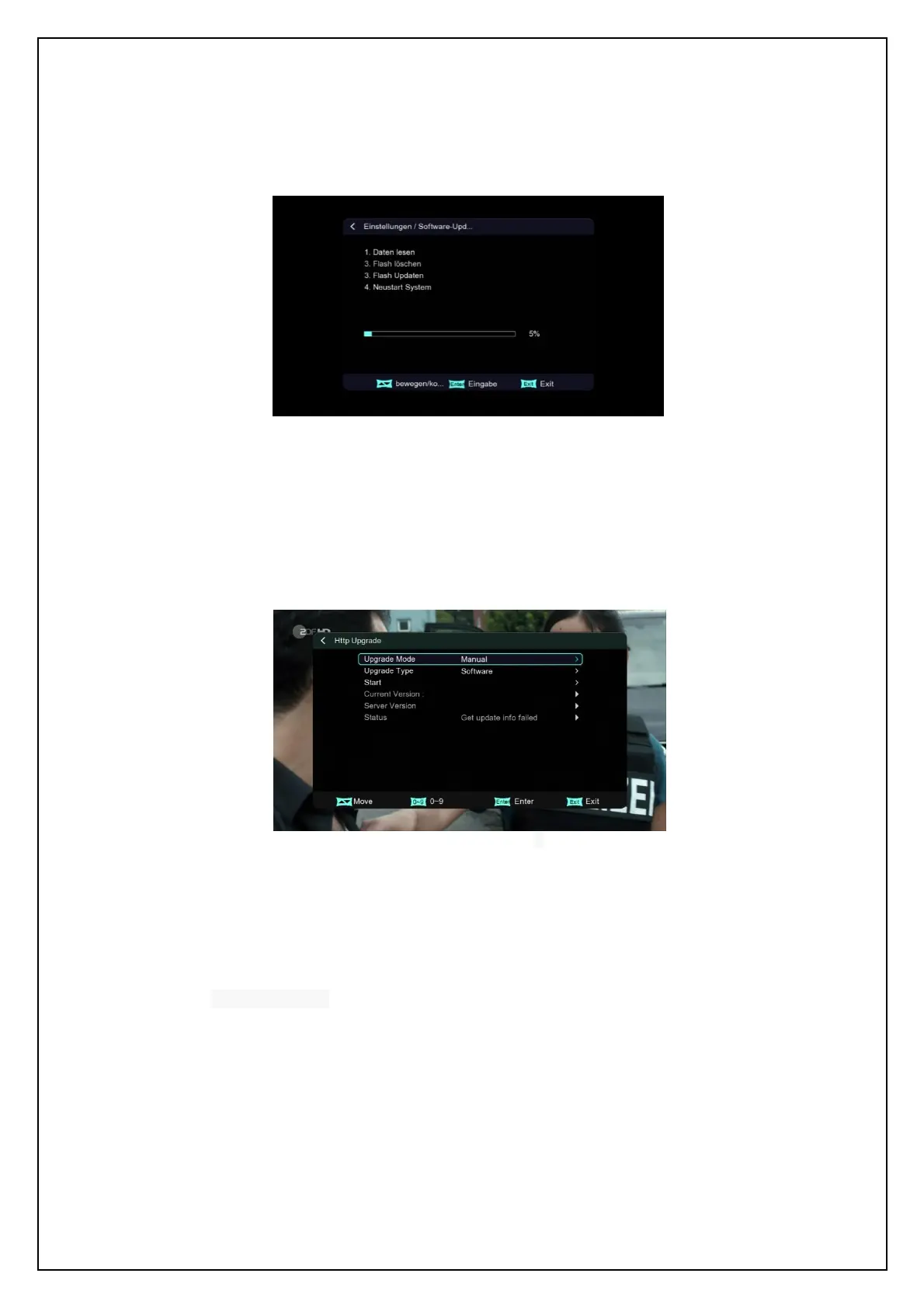
file list, select rom.bin and then press OK key to start the USB upgrade. The interface will be
as below:
USB Upgrade Flow
When the USB Upgrade completes, the system will auto restart.
9.2 HTTP Upgrade
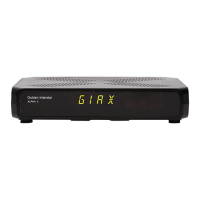
See below:
HTTP Upgrade Setting
Setting items:
Upgrade Mode: Select HTTP upgrade method.
Upgrade Type: Select HTTP upgrade Type
Current Version: Display current software version information
Server Version: version information



 To Next Page