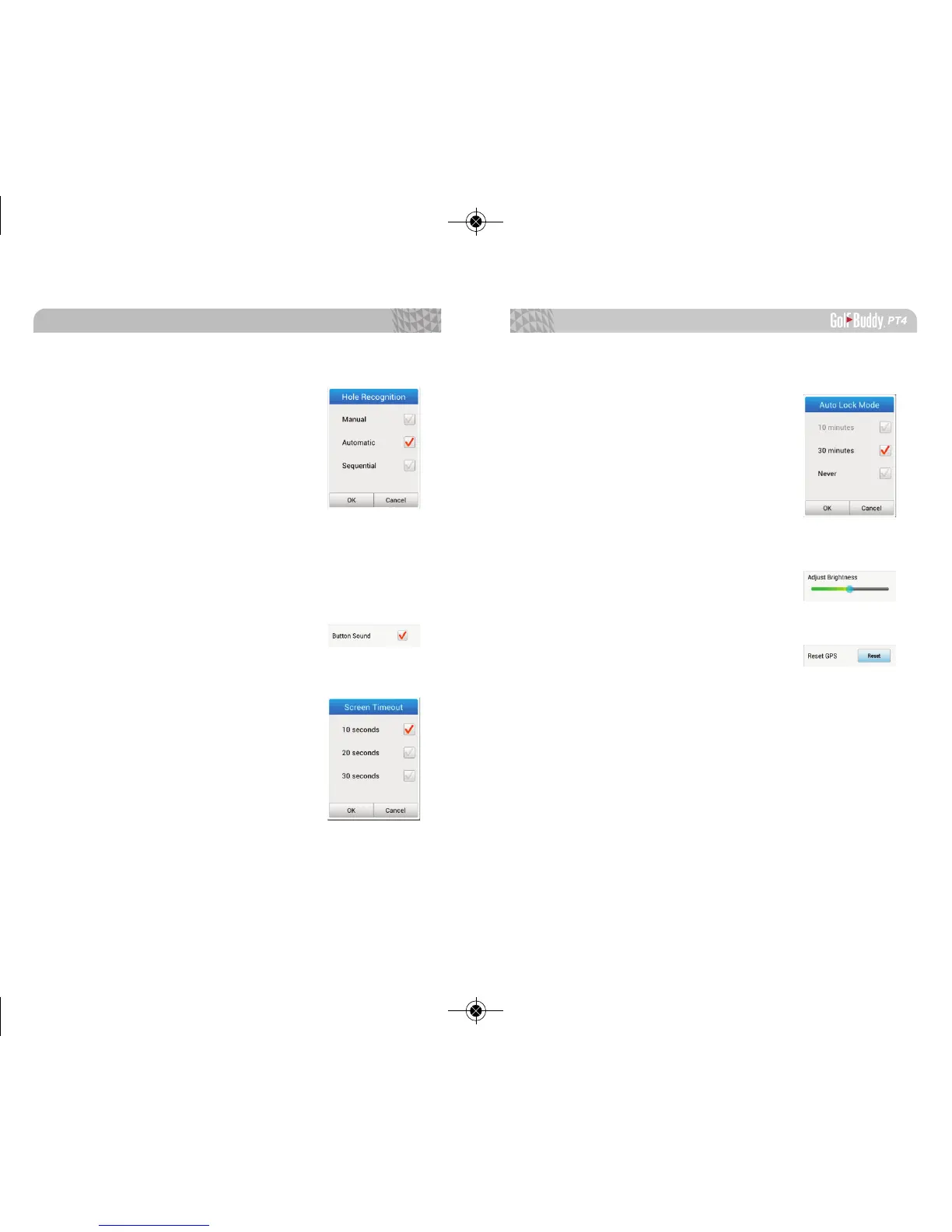
1.7.5. Hole Recognition
Manual: You will have to manually
select the course and change the hole
as you play.
Automatic: Your PT4 will auto
matically recognize the course and
change holes accordingly as you
move around the golf course.
Sequential: If you go to hole #1(front) or #9(back), your
unit recognize the next hole as long as played in chrono-
logical order.
1.7.6. Button Sound
Select to have the screen function
sounds turned on or off.
1.7.7. Screen Time Out
Select to have the back light on for
10 seconds, 20 seconds, or 30 seconds.
Getting Started
1918
1.7.8. Auto Lock Mode
Select to automatically lock the
screen after 10 minutes, 30 minutes, or
never.
1.7.9. Adjust Brightness
Drag the bar left or right to adjust
the brightness of the screen.
1.7.10. Reset GPS
If you do not have GPS signal or are
experiencing incorrect yardage issues,
you can reset the GPS to troubleshoot
the device.
※ When resetting the GPS, it is recommended to have the PT4 out-
side or if possible near a golf course.



 To Next Page