Advanced Operations
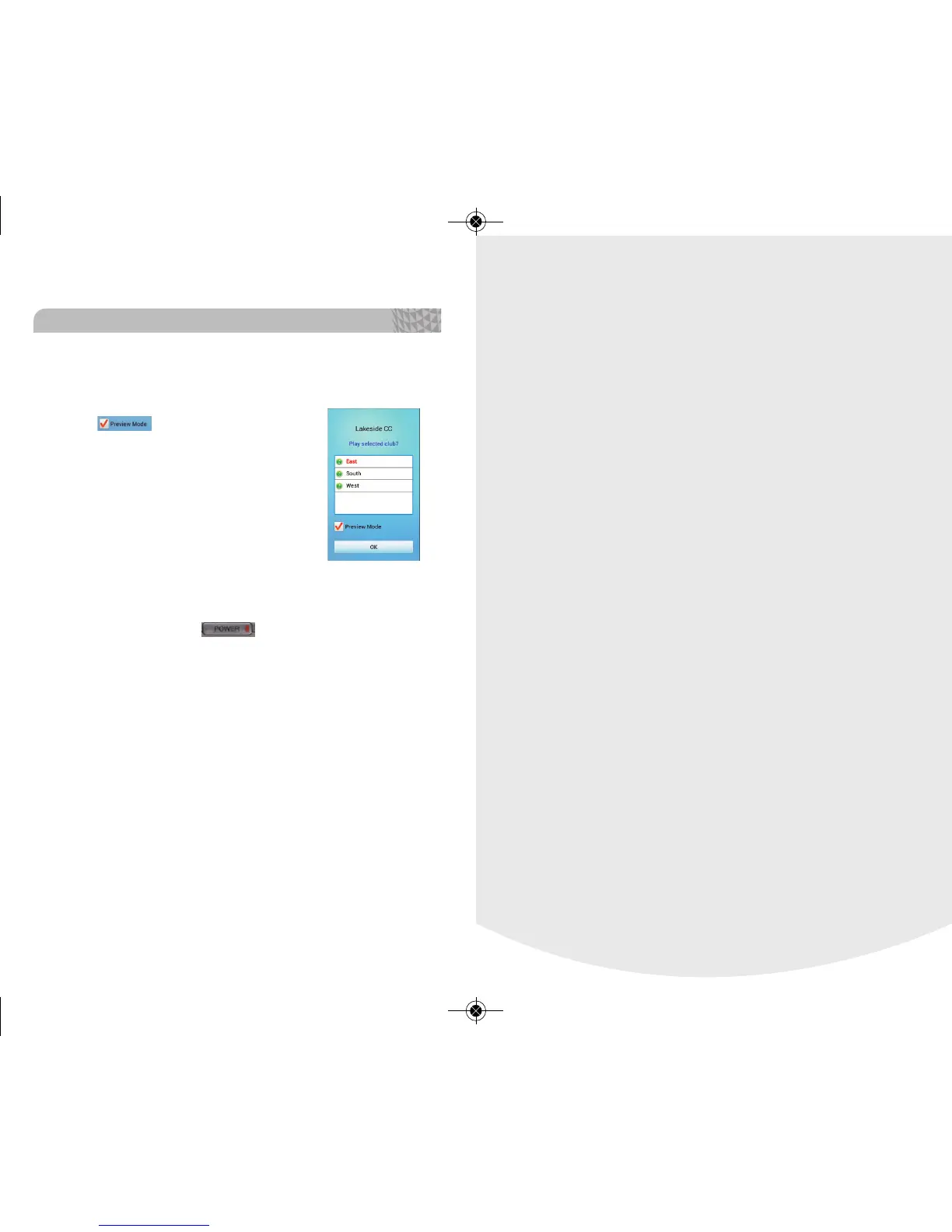
2.10. Preview Mode
Choose the golf course manually and
select to go into Preview Mode.
Preview Mode allows you to see all the
course information without having to
physically be at the course.
<NOTE>
Satellite connection not needed for Preview
Mode.
2.11. Troubleshooting
Option 1: Hold the button for 10 seconds to
reboot the unit. Please ignore the shut down screen
and continue to hold. Please proceed to option 2 if the
issues persist.
Option 2: Restart the device after removing and rein-
serting the battery.
*Please refer to section 1.1 for instructions
Option 3: If issues persist or you need assistance,
please contact our Customer Service department at
888.296.1428
Basic Operations
30



 To Next Page