Advanced Operations
3332
3.1. Create Custom Target
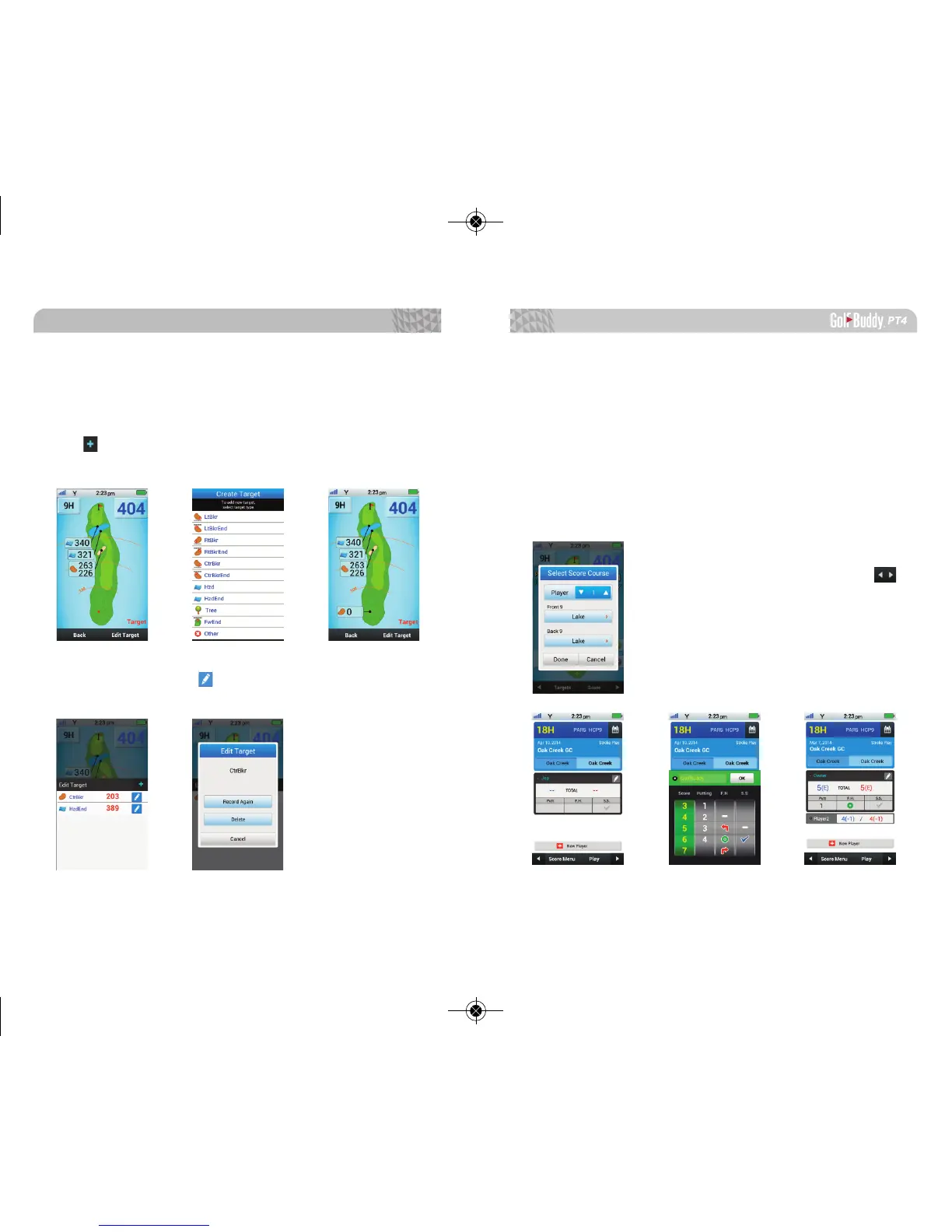
To add a custom target, select Targets, then select the
Edit Target option on the bottom of the screen. Select
the icon, then the type of target from the options
shown.
You can select the icon to edit or remove created
targets.
3.2. Scorecard Feature
The Scorecard Feature allows users to record a variety
of statistics which includes number of putts, fairway hits,
sand saves, and strokes.
3.2.1. Recording Score
Select Score from the bottom right hand of the play
screen to initiate the scorecard feature. You can record
scores for up to four (4) players.
Select the category you want to
record and tap OK to save. Use the
arrow key to navigate through different
holes to record scores and/or stats.
Note: Recording stats such as number of putts,
fairway hits, and sand saves is only available for
one (1) player. However, strokes can be recorded
for all other players.



 To Next Page