Basic Operations
2322
2.1. Course Recognition
2.1.1. Automatic Hole Recognition
After the PT4 acquires GPS signal, it
will automatically detect the nearest
course.
2.1.2. Hole Recognition Options
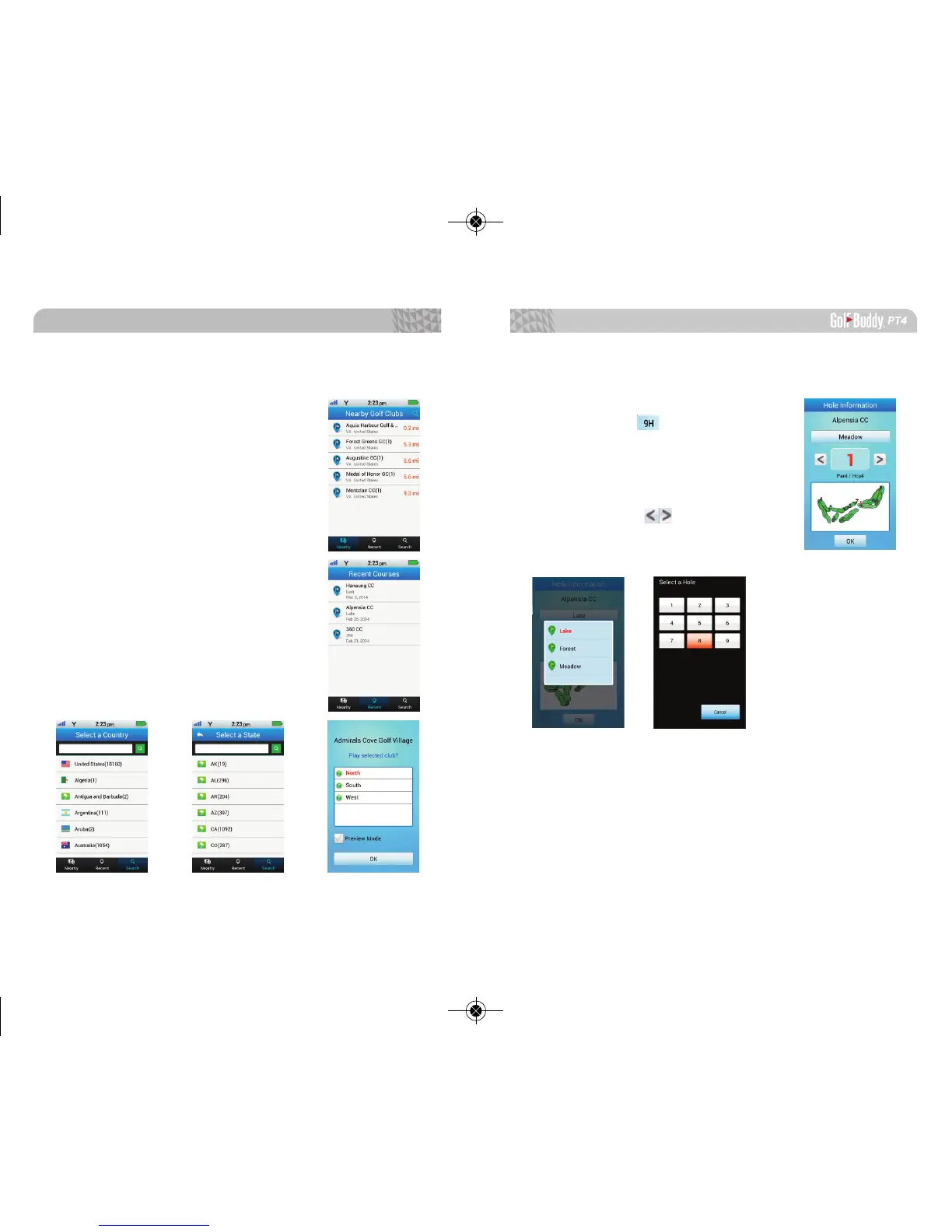
Nearby: The PT4 will list nearby
golf courses.
Recent: The PT4 will show you the
recently played courses.
Search: You can manually search
courses by typing the name of the golf
course or by manually selecting the
country and state where the golf
course is located.
2.2. Hole Information
You can view the hole information
by selecting the icon on the top left
of the screen.
2.2.1. Changing Holes Manually
You can change holes manually by
simply using the arrow keys or by
selecting a preferred hole number.



 To Next Page