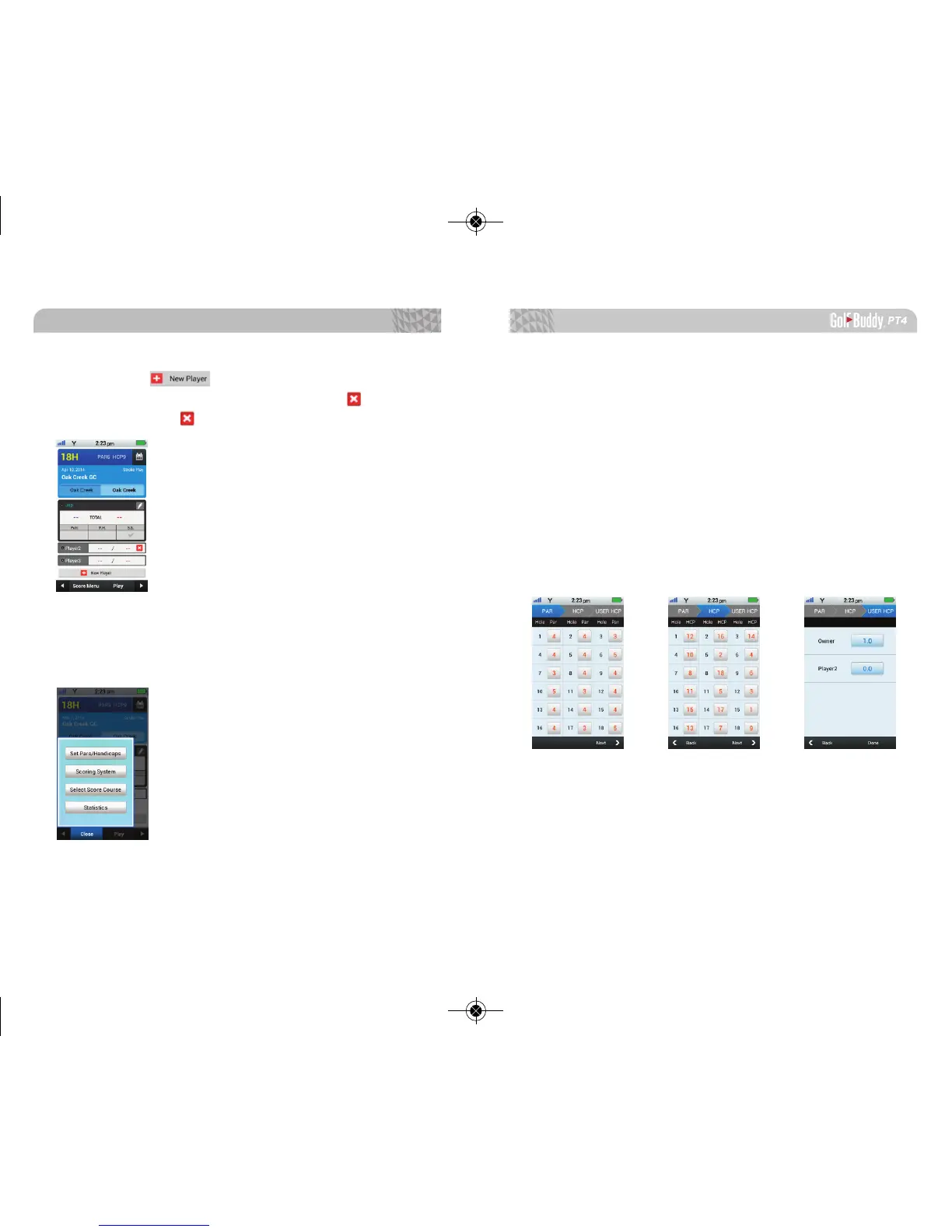
Set Pars/ Handicaps:
To set Par information by hole number, you can edit par
information by selecting the square box correlating with
the hole number.
To set handicap information, select the next arrow on the
bottom right hand corner. You can edit handicap informa-
tion by selecting the square box correlating with the hole
number.
To set User Handicap, select the next arrow on the bot-
tom right hand corner. You can edit User Handicap by se-
lecting rectangular box.
Tap on the icon to add additional players.
Hold on to player’s name for 3 seconds and icon will
appear. Tap on the icon to delete.
3.2.2. Score Menu
Select from one of the four options: Set Pars/Handicaps,
Scoring System, Select Score Course, or Statistics.
Advanced Operations
3534



 To Next Page