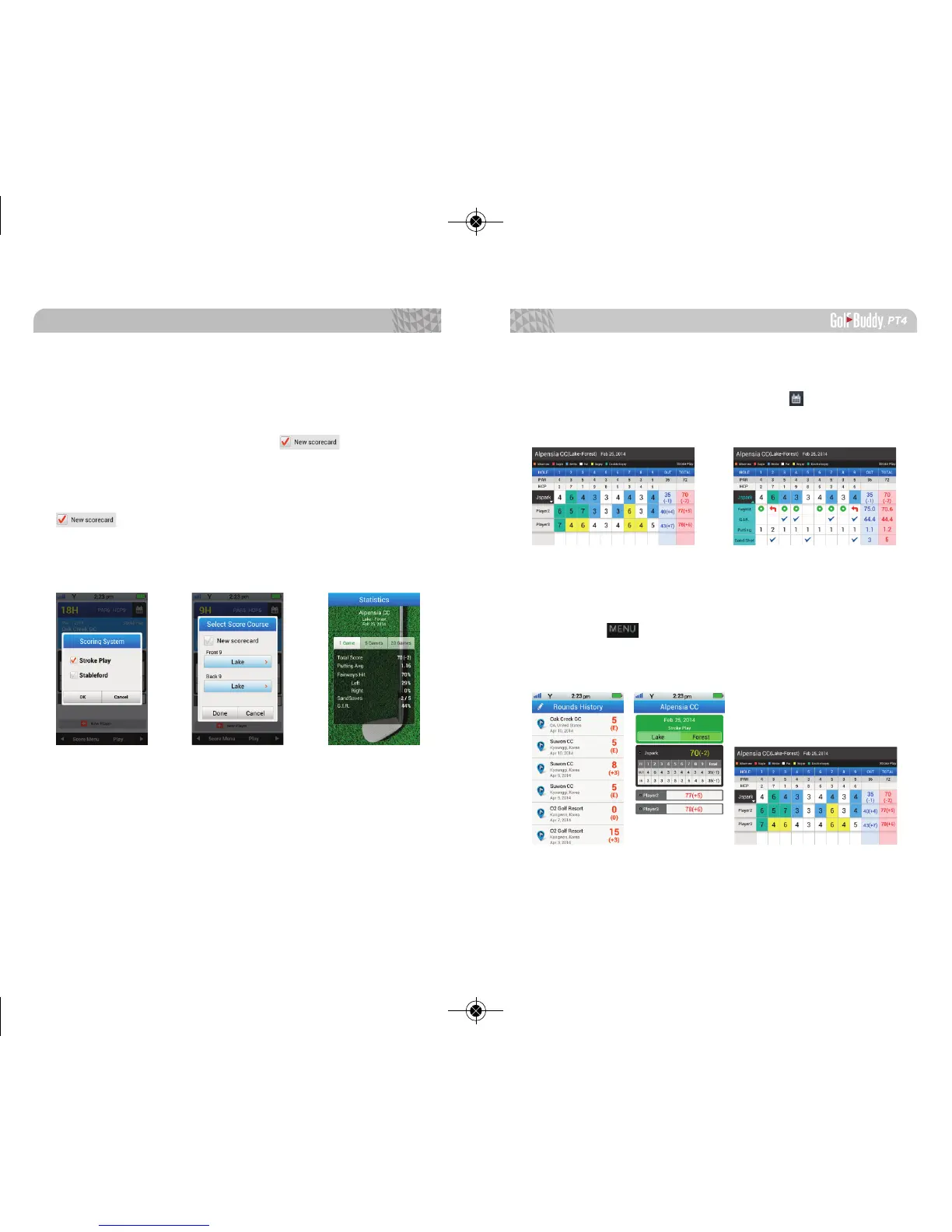
3.2.3. Scorecard
To view the full scorecard, tab the icon and the
recorded statistics will be shown in detail.
3.3. User Score
User Score shows history of all recorded scores. When
you tap the in the selected score cards, you can select
the scoring system, edit score, review mark history, and
view statistics.
Scoring System: Select Stroke Play or Stableford.
Select Score Course: In the Select Score Course menu,
you can edit the course you are playing on or you can
create a new scorecard. Select the icon to start
a new scorecard (*Please note that your previous scores
will be deleted). To keep the current scores and change
the course you are playing on, please ensure that the
icon is not selected.
Statistics: You can view statistics for one (1) game, ve
(5) games, or twenty (20) games.
Advanced Operations
3736



 To Next Page