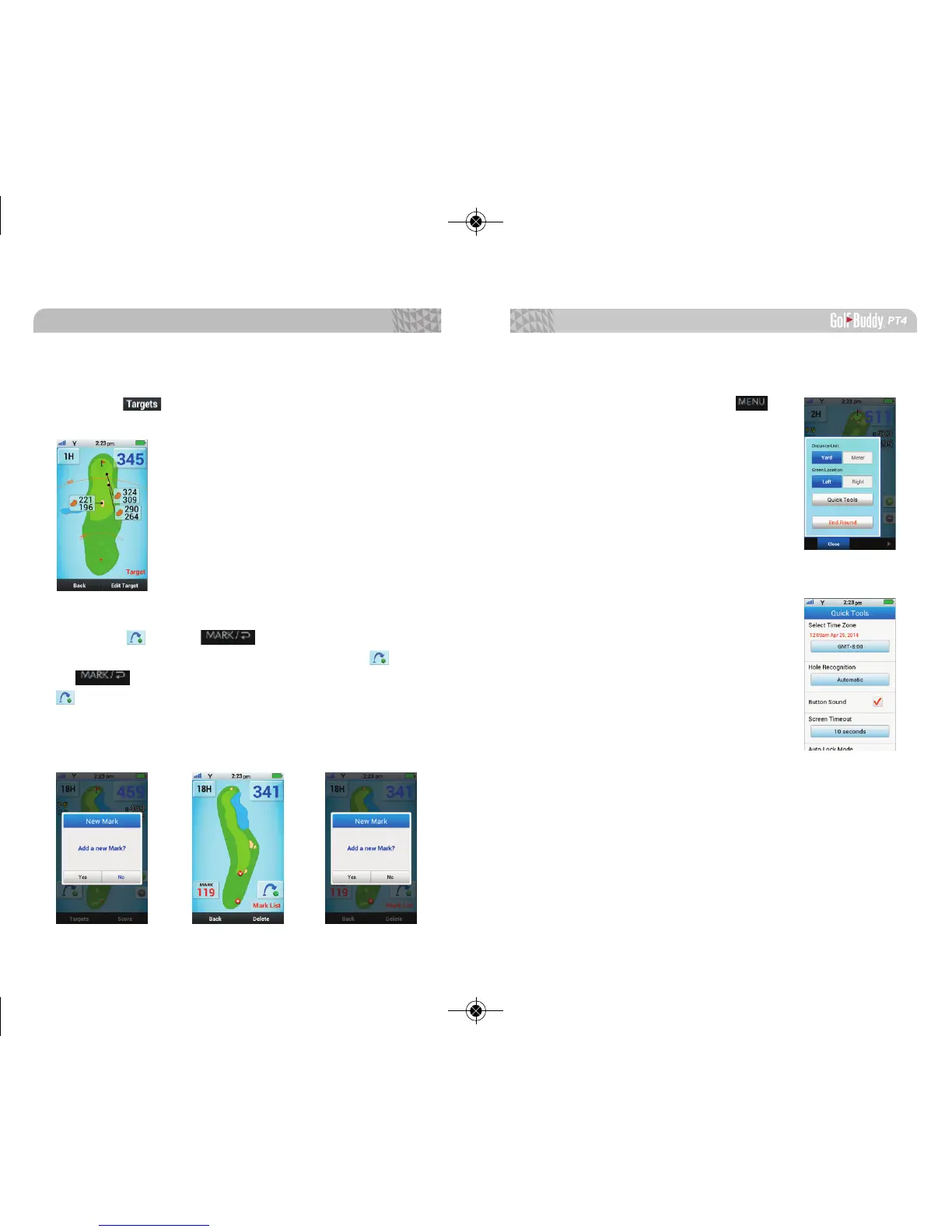
2.9. Quick Menu
From Play Mode, tap on the to
access the Quick Menu.
2.9.1. Distance Unit
Select yards or meters.
2.9.2. Green Locations
Select left or right green.
(if available)
2.9.3. Quick Tools
From the Quick Tools menu, you
can manage the Time Zone, Hole
Recognition, Button Sound, Screen
Time Out, Auto Lock Mode and Adjust
Brightness.
2.9.4. End Round
Exit Play Mode and go back to Main Menu. Select End
Round after nishing the round to save your scores and
statistics. If you do not End Round, your added scores
and targets will not be saved.
29
2.7. Targets and Hazards Information
Tap the to view distances to targets and Hazards
on the current hole.
2.8. Using Distance Measuring
Tap the icon or to mark your position to
start Measuring the distance to your ball. Tap the icon
or to see the mark list. In this screen, tab the
icon to mark your second Shot and repeat the process.
To view previously saved Marked distances, tap on the
Mark List icon.
Basic Operations



 To Next Page