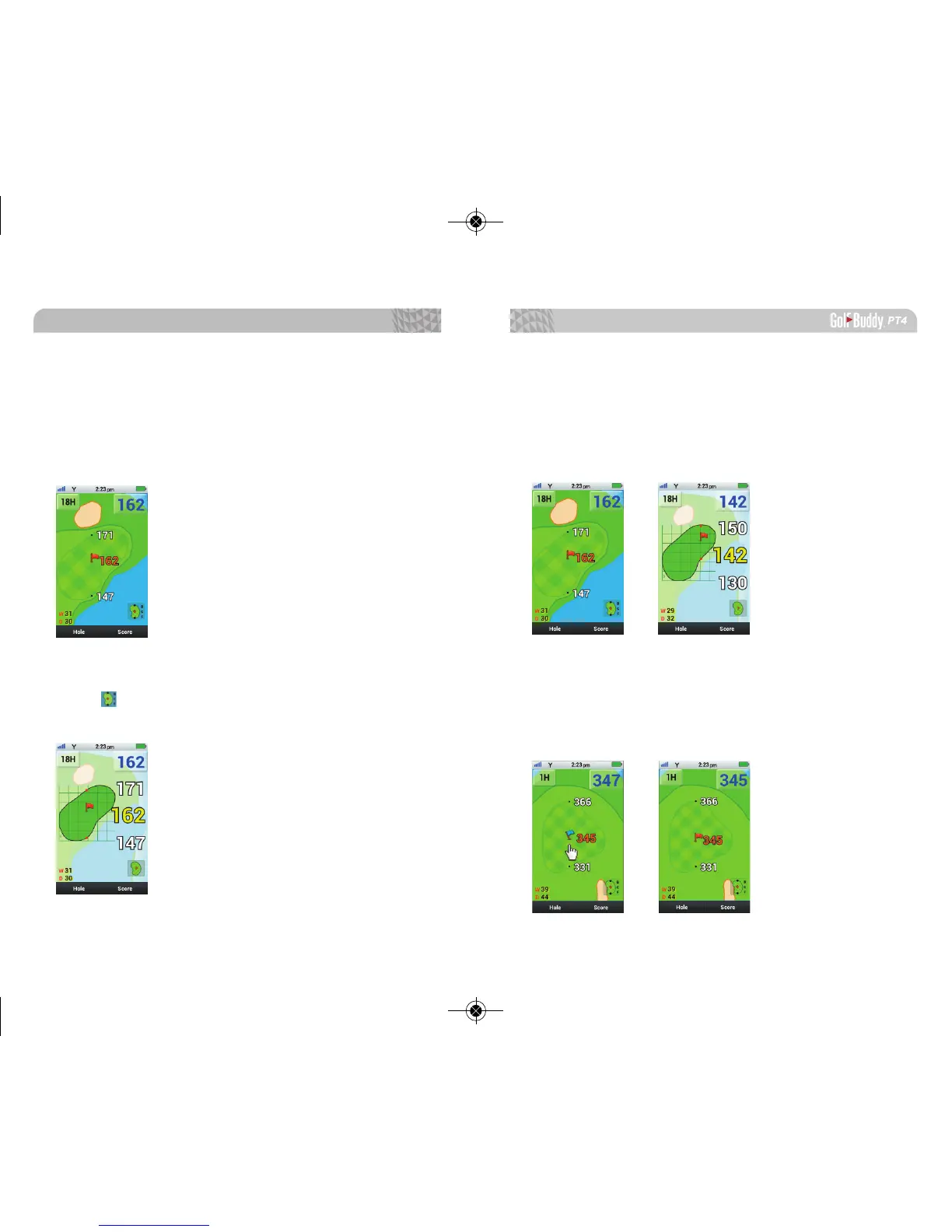
2.5. Green View Screen
From the hole layout, tap on the distance to the center
to switch to Green View Screen. The shape of the green
rotates with your angle of approach, giving you the real
distances to front, center and back of the green.
*W 31: Width of the green is 31 yards
*D 30: Depth of the green 30 yards
For higher contrast and larger numbers, you can tap
on the icon. The PT4 will always recognize the last set-
ting of the pin placement in the Green View Screen.
Basic Operations
27
26
2.6. Pin Placement
You can place the pin anywhere on the green from the
Green View Screen by tapping the pin and dragging it
to the prefered location. As the pin moves, the distance
will change accordingly.
When the pin is blue, you are able to move the pin
freely around the green. When the pin is red, the pin will
be locked at its current location. Click the red pin to
switch back to the blue pin, if you would like to relocate
the pin.



 To Next Page