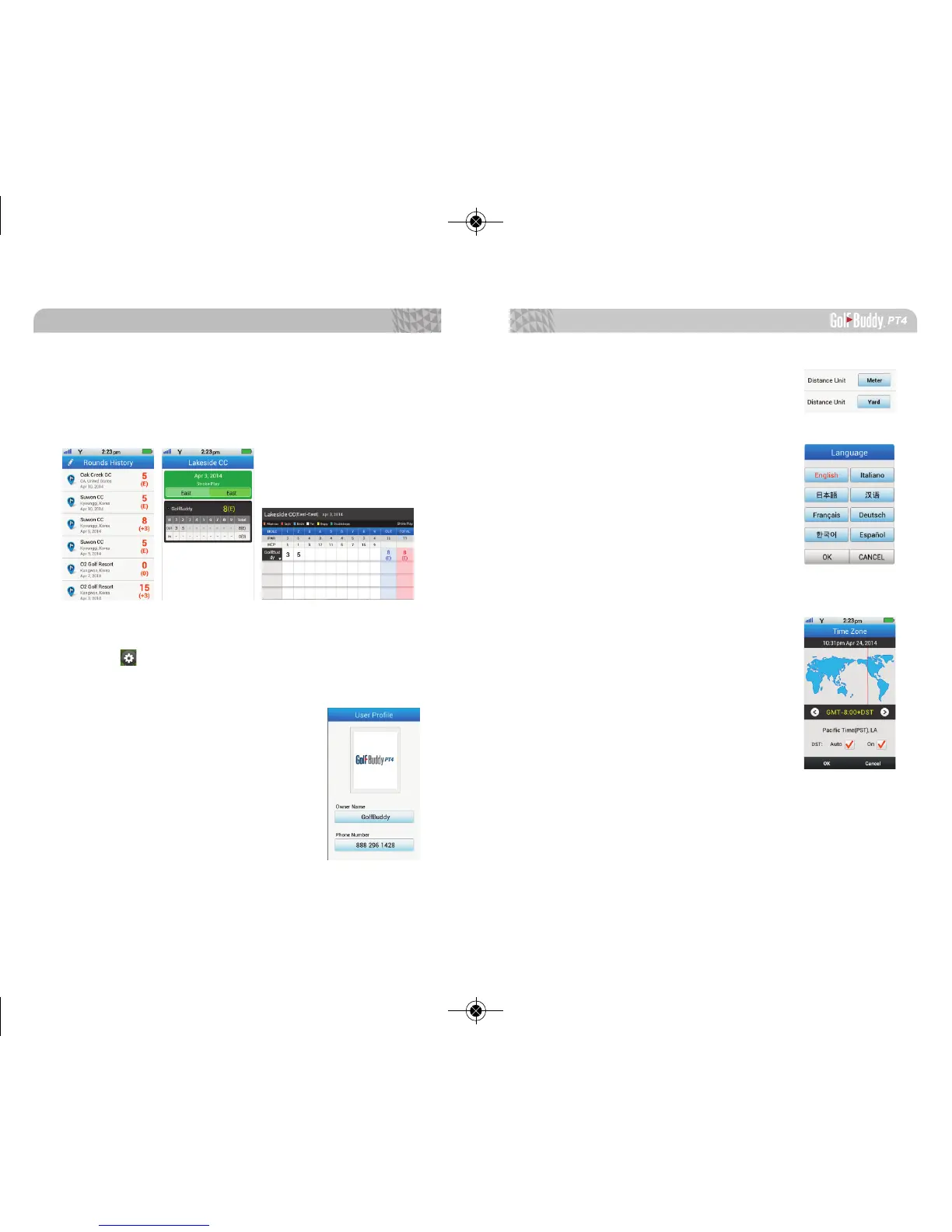
1.6.2. User Score
Shows the history of all saved scores.
※ Please see 3.3. User Score for more information.
1.7. Settings
Tap on icon to go into the settings option.
1.7.1. User Information
You can enter a user name and phone
number into the PT4. You can also
upload images through GB Manager to
have it appear on your device.
Getting Started
1716
1.7.2. Distance Unit
Select yards or meters.
1.7.3. Language Selection
Select a language of preference.
1.7.4. Select Time Zone
The time will set automatically after the
PT4 successfully connects to satellites. If
you want to set your time manually, you
can use the arrow icon or tap the location
on the map to navigate your time zone.
You can select the DST (Daylight Savings
Time) option for the time zone to be ad-
justed automatically.



 To Next Page