Getting Started
1514
1.3. Power On/Off
Power On: Press the power button
on the right side of the unit.
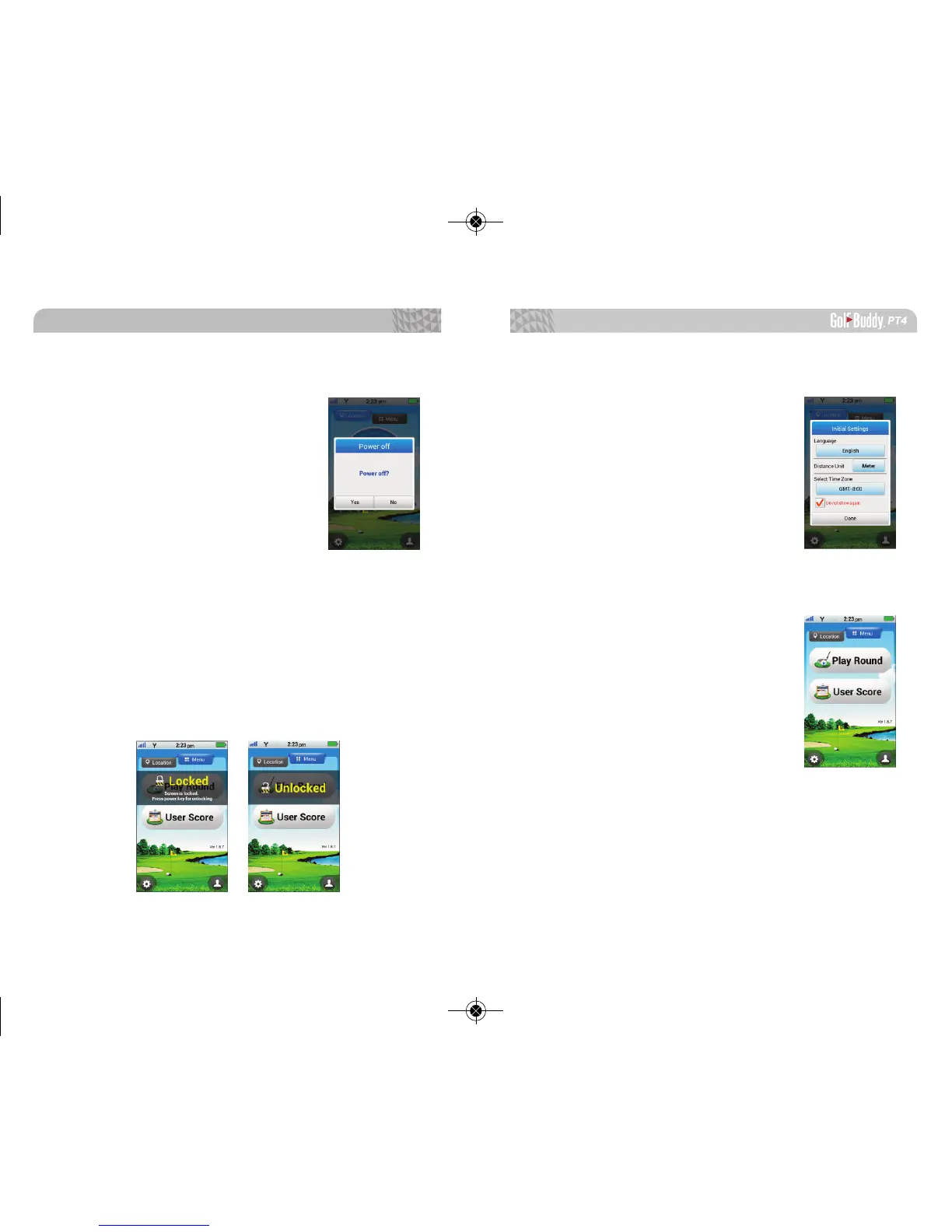
Power Off: Press and hold the power
button until the shut down screen
appears. Press yes to shut down or
no to cancel.
1.4. Screen Lock/Unlock
Press the power button to lock the screen. The mes-
sage “Locked – Screen is locked. Press the power key to un-
lock.” will appear. The screen lock indicator will also appear
at the top of the screen. When the screen is locked, press
the power button again to unlock the screen. The mes-
sage “Unlocked” will appear and the screen lock indicator
will no longer show at the top of the screen.
1.5. Initial Settings
When you rst turn on the PT4, an
Initial Settings menu will appear. You
can select your Language, Distance
Unit, and Time Zone. This menu option
will appear every time you turn on your
PT4. If you would like to opt out of this
menu, please select the Do not show
again option.
1.6. Main Menu
1.6.1. Play Round
Initiates the PT4 to start locating
nearest course(s) and to prepare you for
a round of golf.



 To Next Page