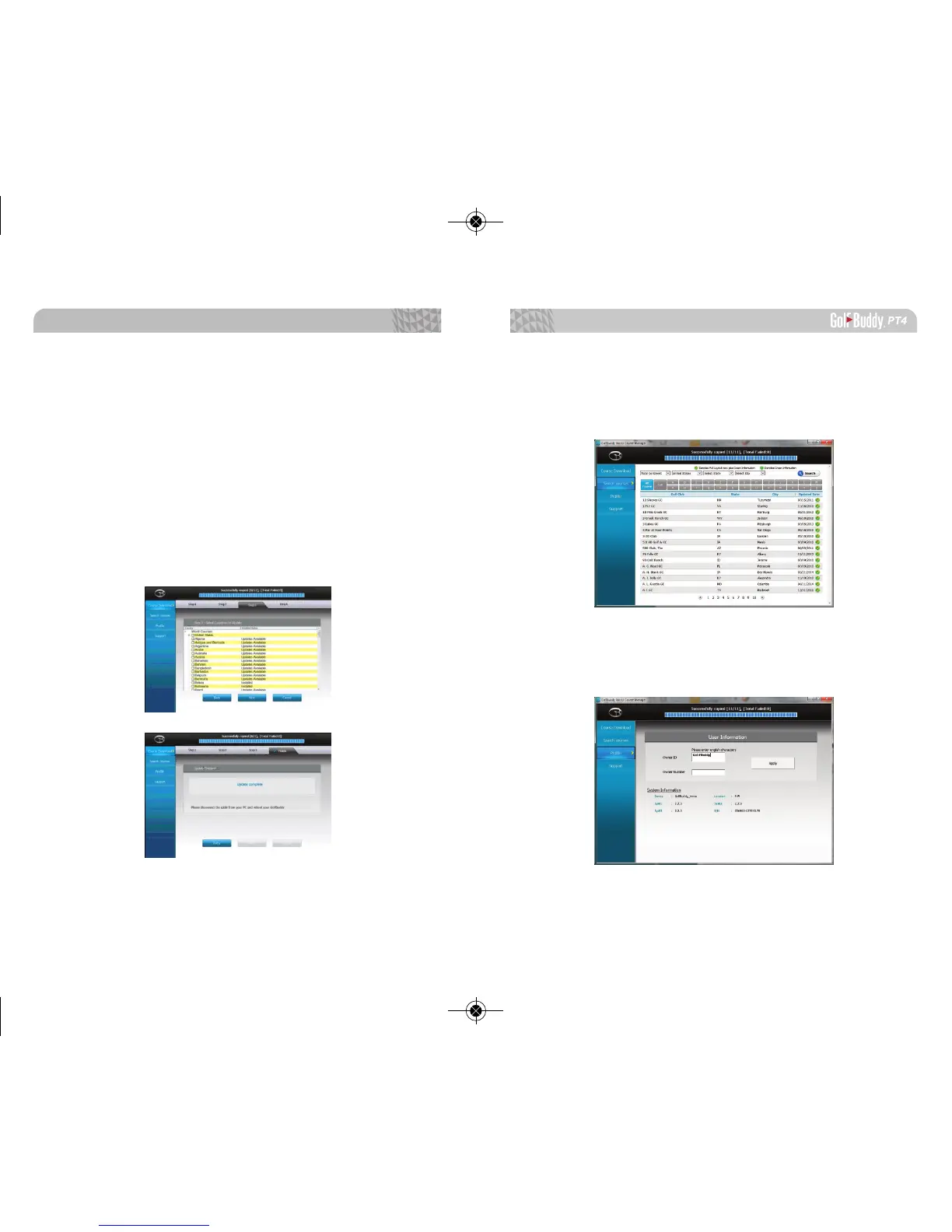
4.4. Search Courses
You can search courses by country, state, and city. You
can also view when the course was last updated.
4.5. Prole
System Information for user’s PT4 can be found here.
4.3. Step 3 : Course Download
Select the countries that you would like to be updated
from the list of countries. Click “Next”. You will see a panel
that asks you to select “Overwrite” or “Newly Updated Only”
(default option - already selected). Click “OK” to start the
course update.
Once all courses have been downloaded and your unit
updated, you will receive a message “Update Complete”. You
can now disconnect the unit. Your GolfBuddy is now ready
to go with the latest updates!
Software Updates
4746



 To Previous Page