Need help?
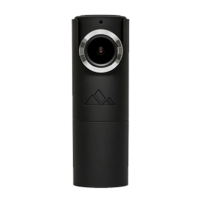
Do you have a question about the GOLUK T1 and is the answer not in the manual?
Insert a Micro SD (TF) storage card of Speed Class 10 or above.
Mount the docking station and camera onto the windshield using 3M adhesive tape.
Route and secure the power cable using card buckles and connect to the vehicle charger.
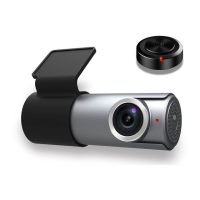
Mount the wireless remote on the steering wheel or other convenient areas.
Connect the device to a power source.
Steps for binding the camera with the Goluk APP for iPhone and Android users.
Contact details including phone number, email, and official website.
 General
| Brand | GOLUK |
|---|---|
| Model | T1 |
| Category | Dash Cameras |
| Language | English |

 To Next Page