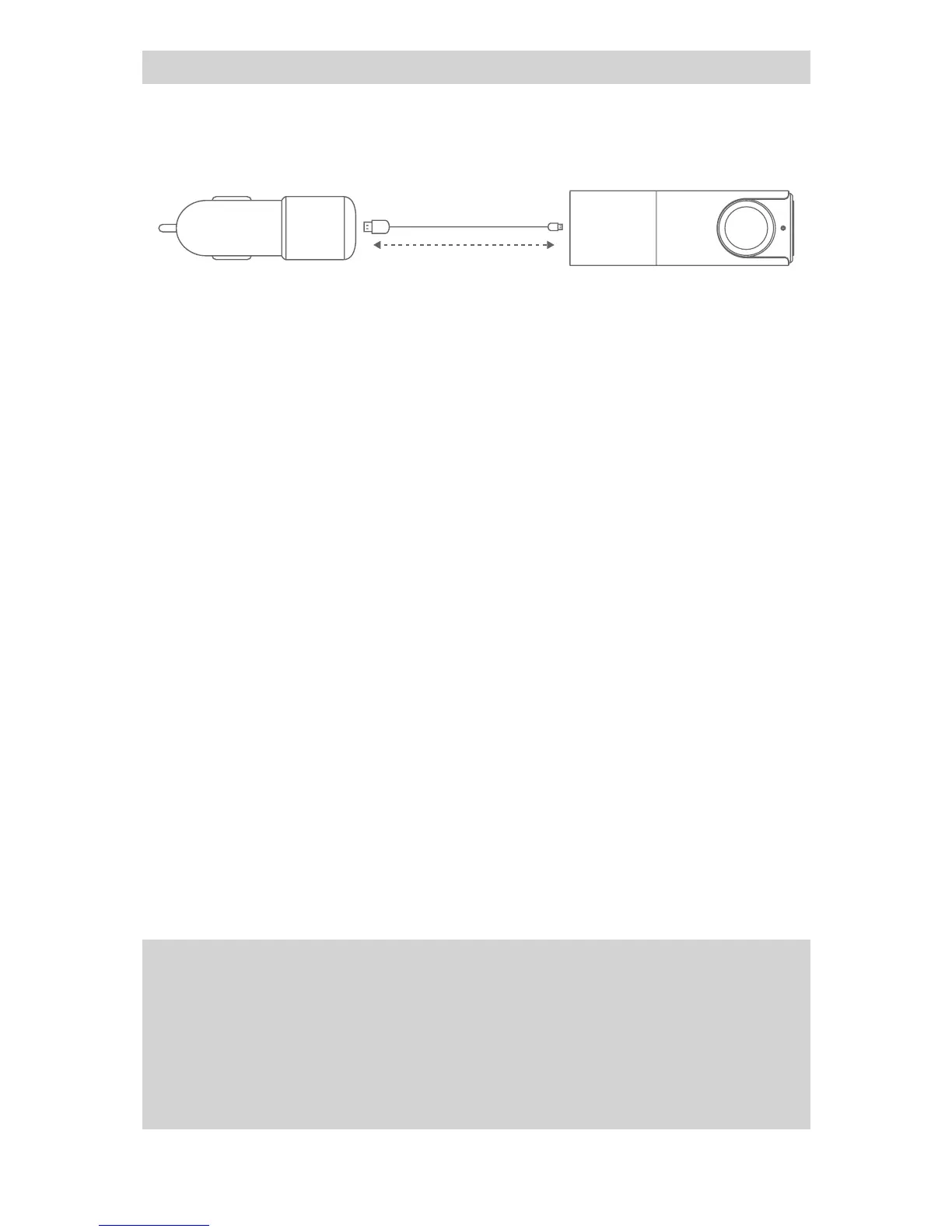
Connect and Bind the Camera:
1. Connect to power.
2. Upon connection, wait for the device to start and an alert tone
indicating start of recording. Flashing of the blue Wi-Fi indicator on
Camera’s side indicates connection with Goluk APP in progess. First
use requires binding of Camera with phone. Steps are as follows:
iPhone Users:
Go to settings, choose and connect to Golukxxxxxx in Wi-Fi list. Upon
connection, start the Goluk APP. Tap the blue Camera icon on the
home page to nish your rst binding.
Android Users:
Start the Goluk APP. Tap the blue Camera icon on the home page,
and follow the steps to complete binding. Manual connection in
phone settings is not needed.
Hint:
In case of fail connections during binding, please restart the Camera’s
power and press the RESET button near the power socket for 6
seconds. Wait for the blue Wi-Fi indicator to ash and then reconnect.
If a connection password is required for the Camera, please enter
123456789.
Attention:If you need to reset Camera password, press the
RESET button (at side of the Camera, near card slot) for 6
seconds to restore default factory settings. Afterward, please set
your password using mobile phone clients as soon as possible.
5


 To Next Page