Note
6
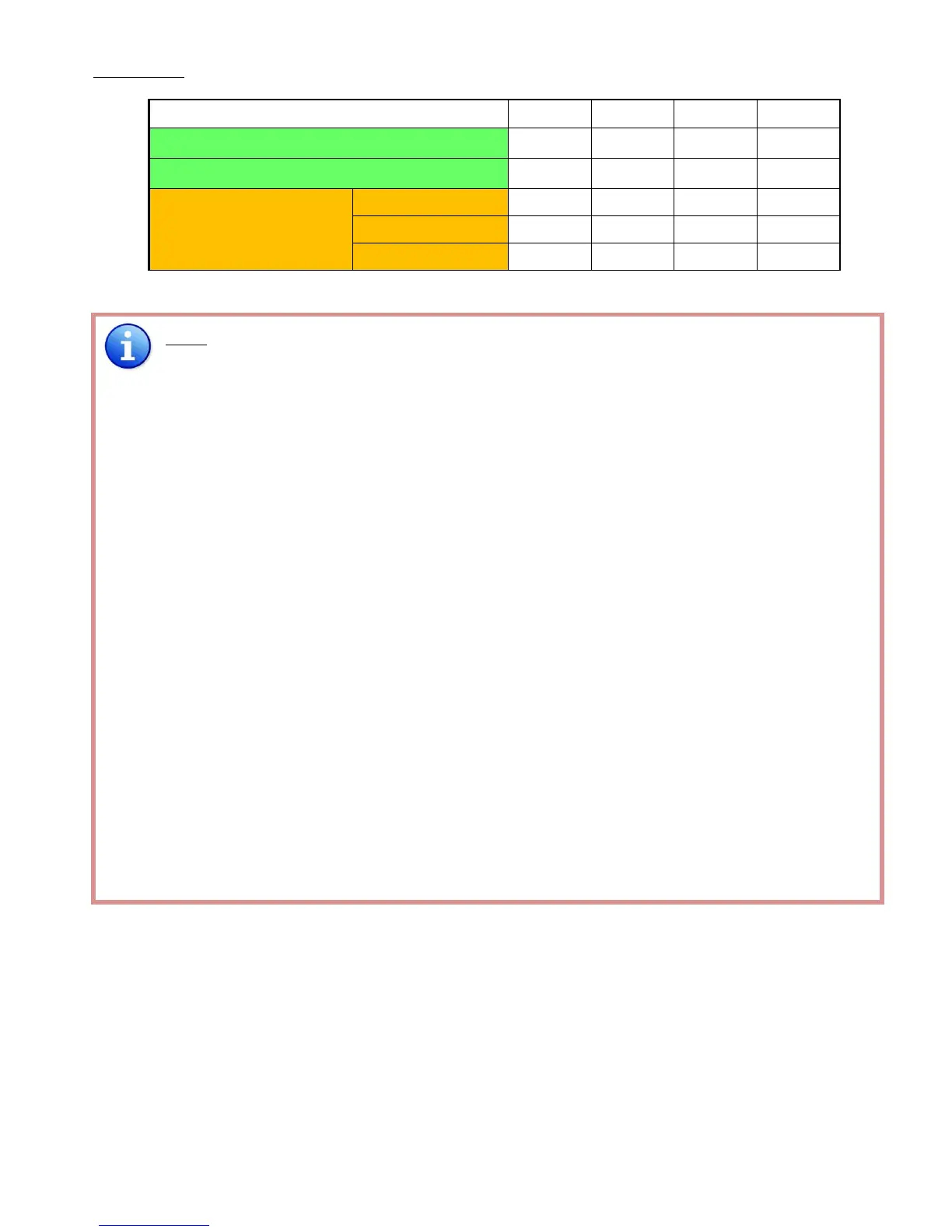
Factory default for SW Main is pin#1-OFF[], pin#2-OFF[], pin#3- OFF[], & pin#4-OFF[].
PLEASE MAINTAIN THIS SETTING AT ANYTIME FOR REGULAR USE VIA RS-232 CONTROL!
7
Factory default for SW Main is pin#1-OFF[], pin#2-OFF[], pin#3- OFF[], & pin#4- ON[].
PLEASE MAINTAIN THIS SETTING AT ANYTIME FOR REGULAR USE VIA USB CONTROL!
8
Sequence for firmware update
WARNING! [Firmware update only can be done via RS-232 port and connection to PC set at
COM1)
1. Power off the MA-5188. Execute the firmware update program on your PC via COM1 port
connection to the RS-232 port of the MA-5188.
2. Set the pin#1 of [SW Main] at ON[] for firmware update mode.
3. Set pin#2 and pin#3 at respective positions to assign which Block to be updated.
4. Power on the MA-5188. The firmware update program should begin this update sequence
automatically. If not, please check the RS-232 connection status between PC and MA-5188.
5. After the OK message shows up to indicate the firmware update sequence for designated
Block is complete, please turn off the MA-5188.
6. Repeat step 3 ~ step6 if you want to update the firmware of the remaining Blocks.
7. Set the [SW Main] switch position to Normal Operation Mode.
8. Power on the MA-5188.



 To Next Page