~ 12 ~
Source Side
Method A: Push Button
1. Use the “” or “—“ channel button on output port to select which port to be changed.
“”: change selected output port in ascending order
“—“: change selected output port in descending order
2. Push the “” or “—“ channel button on Input channel to select the HDMI input source you want to
display on this selected output port in step 1 in sequential order. Once you reach the desired input
channel you want to display on this selected output port, leave it and the setting will be effective in a few
seconds.
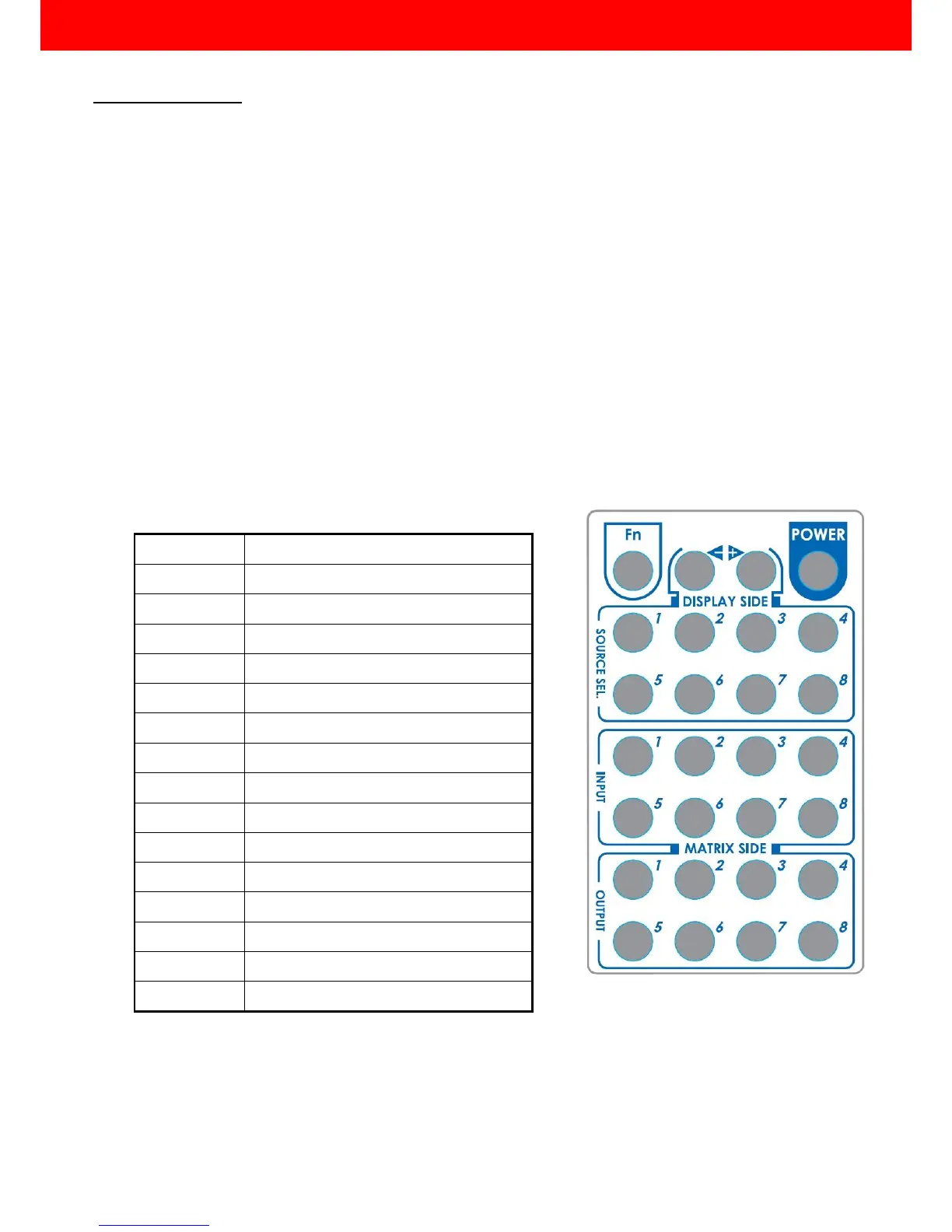
Method B: IR Remote Control
a. Firstly please push one of the INPUT buttons to choose which HDMI input source you are going to
setup. After that, you can have multiple outputs playing the same content from the selected INPUT
#1-#8 by pushing the corresponding OUTPUT buttons. The setting will be effective in a couple of
seconds.
INPUT & OUTPUT MAPPING



 To Next Page