EasyManua.ls Logo

Goobay DF 1730 LCD - User Manual

Goobay DF 1730 LCD
16 pages
Go to English
Print Icon
To Next Page IconTo Next Page
Loading...
Bedienungsanleitung
Manual
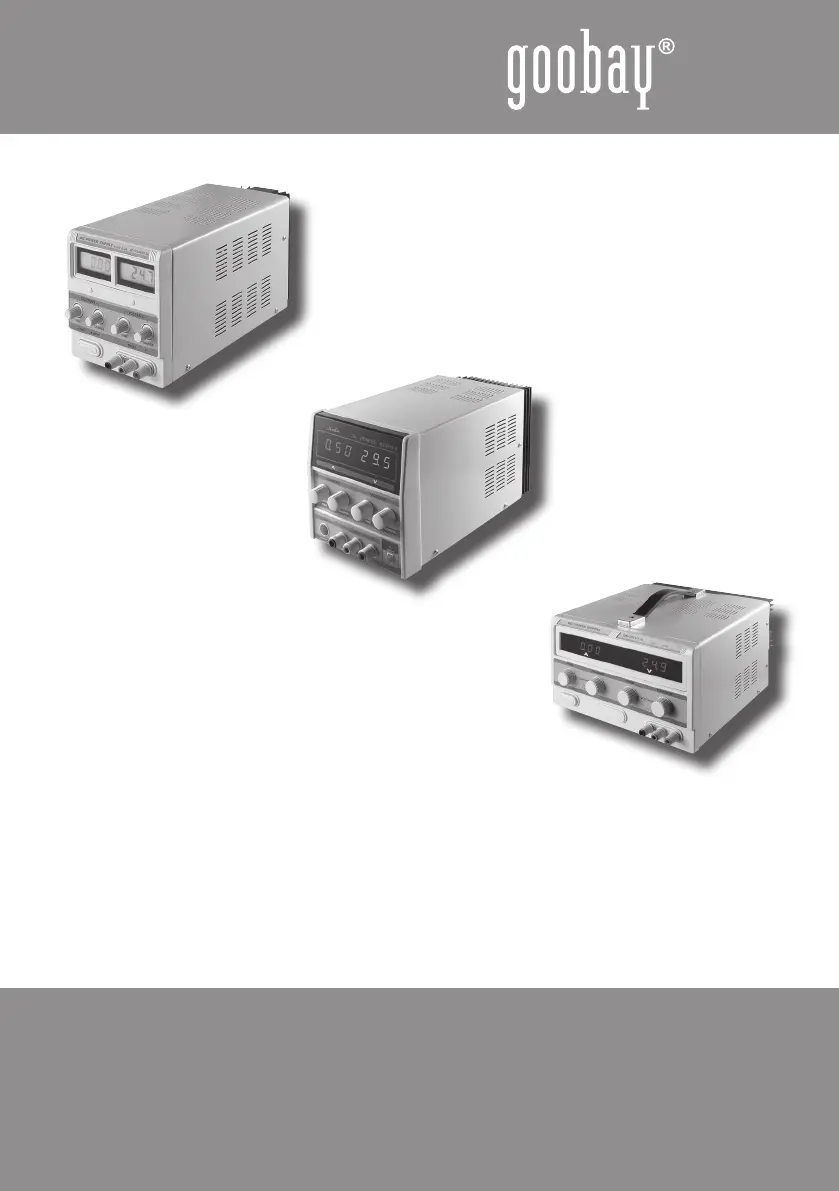
DF 1730 LCD Netzgerät 20325
DF 17132 SB-3A LED Netzgerät 20319
DF 3010 Netzgerät 20327
DF 1730 LCD power supply unit 20325
DF 17132 SB-3A LED power supply unit 20319
DF 3010 power supply unit 20327

Questions and Answers

  • T
    torresdanielJul 25, 2025
    What to do if my Goobay DF 1730 LCD unit does not work?
    • L
      Lisa JonesJul 25, 2025
      If your Goobay Power Supply unit isn't working, ensure the load has the correct polarity and is compatible with the connected device. Also, make sure both the unit and the load are switched on. If the unit includes a fuse, check its condition.
  • A
    Amanda FoxAug 9, 2025
    What to do if Goobay Power Supply heats up and smells?
    • D
      Dakota WalkerAug 9, 2025
      If your Goobay Power Supply is overheating, emitting strange smells, humming, or producing vapor, immediately disconnect it from the mains and avoid touching it. Protect the unit from further use.

Summary

PN Power Supply Units

Description and Function

Details on the stabilized laboratory power supply, its current/voltage limiting features, and indoor use.

Intended Use

Specifies that the device is for dry interior rooms only to prevent accidents and injuries.

Parts Package

Lists the included items: one DF power supply unit and one user manual.

Notes on Safety

Warns about electrical shock risks, requires skilled electricians, and states the product is not a toy.

General Note

Graphic Diagram and Operating Elements

Short-Circuit Identification

Installing and Operating

Specifications

Care, Maintenance, Storage and Transport

Warranty and Liability

Troubleshooting

Notes on Waste Disposal

CE Declaration

Goobay DF 1730 LCD Specifications

General IconGeneral
BrandGoobay
ModelDF 1730 LCD
CategoryPower Supply
LanguageEnglish

Related product manuals