Welcome
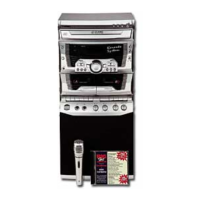
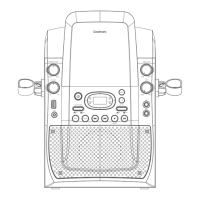
Your Karaoke Machine
Quick Setup
Operation
1
2
3
4
2.1
2.3
2.2
2.4
In The Box
Front View
Indicator
2.5 Rear View
2.6 Top View
Mains Power
3.1
3.2
Connecting Your Karaoke Machine to a TV
Display Lyrics on a TV Screen
3.3
3.4
TV Connection for Audio & Video
TV Connection with SCART Adapter
3.11 Connecting an External Audio Source
3.5 Audio Connection to an External Amplifier
4.1
4.2
Switching Modes
What is a CD+G Disc?
4.3
4.4
What is a MP3+G File?
Load a Disc
4.7
4.8
Skip Tracks
Programmed Playback
4.9 Repeat Single/All Track(s)
4.5
4.6
Load a USB Flash Drive
Play a Song
3.7
3.8
Fitting the Microphone Holders
Connecting the Power
3.9
3.10
Power ON/OFF & Auto Standby
Adjusting the Volume
3.6 Connecting the Microphone(s)
CD+G/ MP3+G Operation


 To Next Page