EasyManua.ls Logo

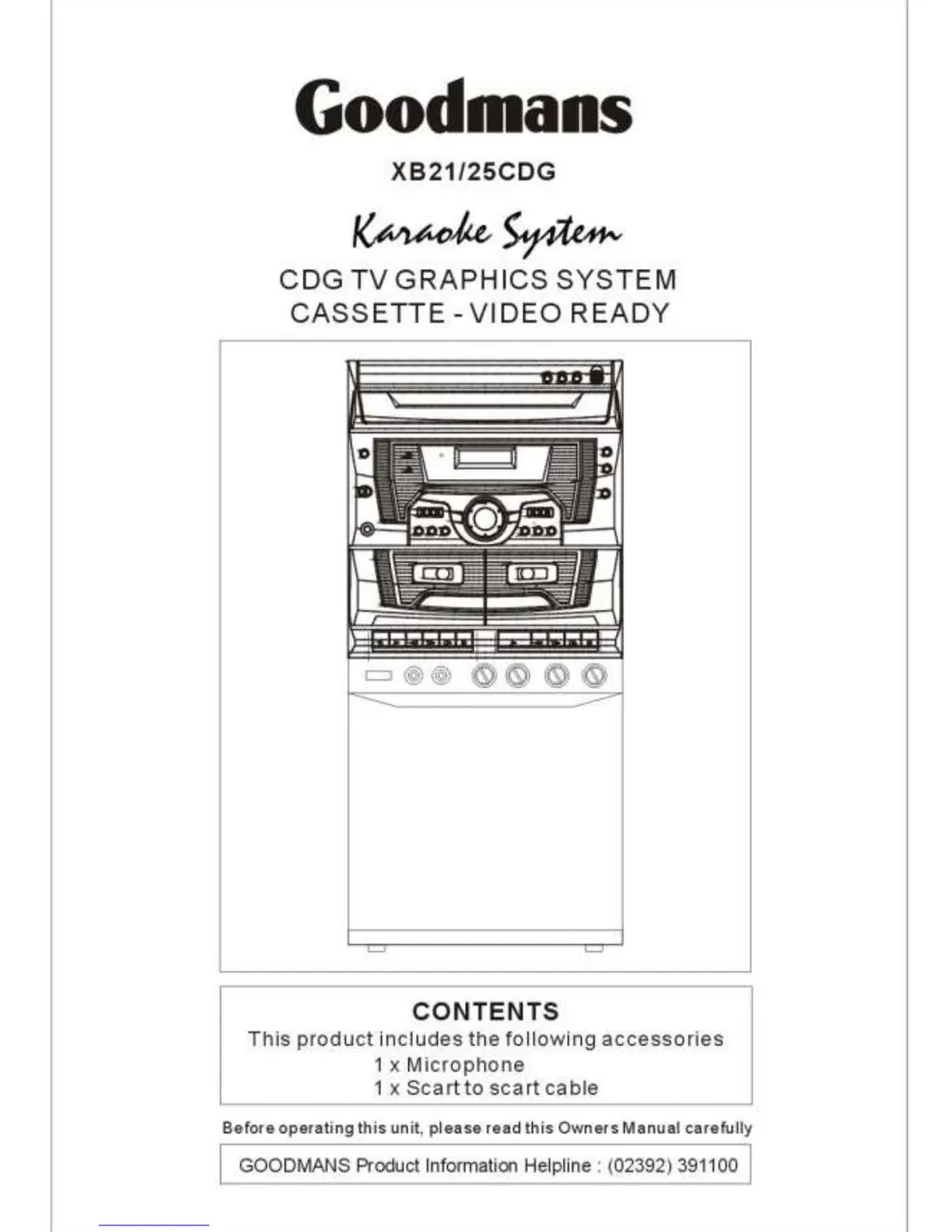
Goodmans XB25CDG - User Manual

Goodmans XB25CDG
18 pages
Print Icon
To Next Page IconTo Next Page
Loading...

Questions and Answers

  • M
    millscarlaAug 1, 2025
    What to do if there is no picture on TV screen when using Goodmans Karaoke System?
    • A
      anthony09Aug 1, 2025
      First, check the cable and plug connections as described in this manual. Make sure you're using a CD+G disc and that it's playing; you should hear audio through the speakers. Remember that normal audio CDs don't have graphics. Also, verify that the A/V channel is selected on your TV. If you're using a VCR, ensure the Aux/AV channel is selected on both the VCR and the TV.
  • L
    Lauren CampbellAug 7, 2025
    What to do if my Goodmans Karaoke System will not play a disc?
    • K
      Karen BradleyAug 7, 2025
      Ensure the disc is clean and free from fingerprints or scratches. You might also want to try a different disc.
  • M
    Mark ScottAug 11, 2025
    What to do if there's no audio from the microphones on my Goodmans XB25CDG Karaoke System?
    • J
      jessicadanielsAug 12, 2025
      Make sure the microphone switch is turned ON and adjust the microphone volume.
  • R
    Ricardo CarterAug 16, 2025
    How to improve poor voice recording from microphone using Goodmans XB25CDG Karaoke System?
    • L
      Lauren BirdAug 16, 2025
      Position the microphone closer to your mouth or speak louder. You can also increase the microphone volume level.
  • M
    murraymichaelAug 21, 2025
    What to do if there is no audio from the tape on my Goodmans Karaoke System?
    • J
      Justin AllenAug 22, 2025
      Select the tape function and adjust the volume.
  • S
    Steven MillerAug 26, 2025
    How to fix poor voice sound from tape on Goodmans XB25CDG?
    • C
      Carla BirdAug 27, 2025
      Clean the tape heads using a proprietary tape head cleaner.

Summary

Important Safeguards

Pre-Fitted Mains Plugs

Information on the appliance's pre-fitted mains plug and fuse safety.

Mains Plug Wiring Details

Details on the wiring colours and connections for the mains plug.

Laser Safety Precautions

Warnings and safety guidelines regarding the unit's laser product.

Maintenance and Care Guidelines

Location of Controls

Front Panel Controls

Detailed description of the buttons, indicators, and sockets on the front of the unit.

Back Panel Connections

Identification of the power cord, switches, and input/output sockets on the back panel.

Installation

Loading and Unloading Discs

Track Skip

Programmed Disc Play

Recording Functions

Recording from CD

Steps to record audio from a CD onto a tape.

Important Notes on Hearing Safety

Trouble Shooting Guide

Tape Playback Issues

Solutions for common problems encountered with tape playback.

CD Playback Issues

Solutions for common problems encountered with CD playback.

CDG Playback Issues

Solutions for common problems encountered with CDG playback and TV display.

Specifications

Goodmans XB25CDG Specifications

Power Supply IconPower Supply
AC voltage230V
frequency50Hz
CD Section System IconCD Section System
frequency response20Hz ~ 20KHz (+/- 3dB)
signal-to-noise ratio65dB
D/A converter1 bit DAC with 8 times oversampling digital filter
Tape Section IconTape Section
tape speed4.75 cm/sec.
output power XB-215W RMS 4 Ohm 10% THD
output power XB-2520W RMS 8 Ohm 10% THD