17171717
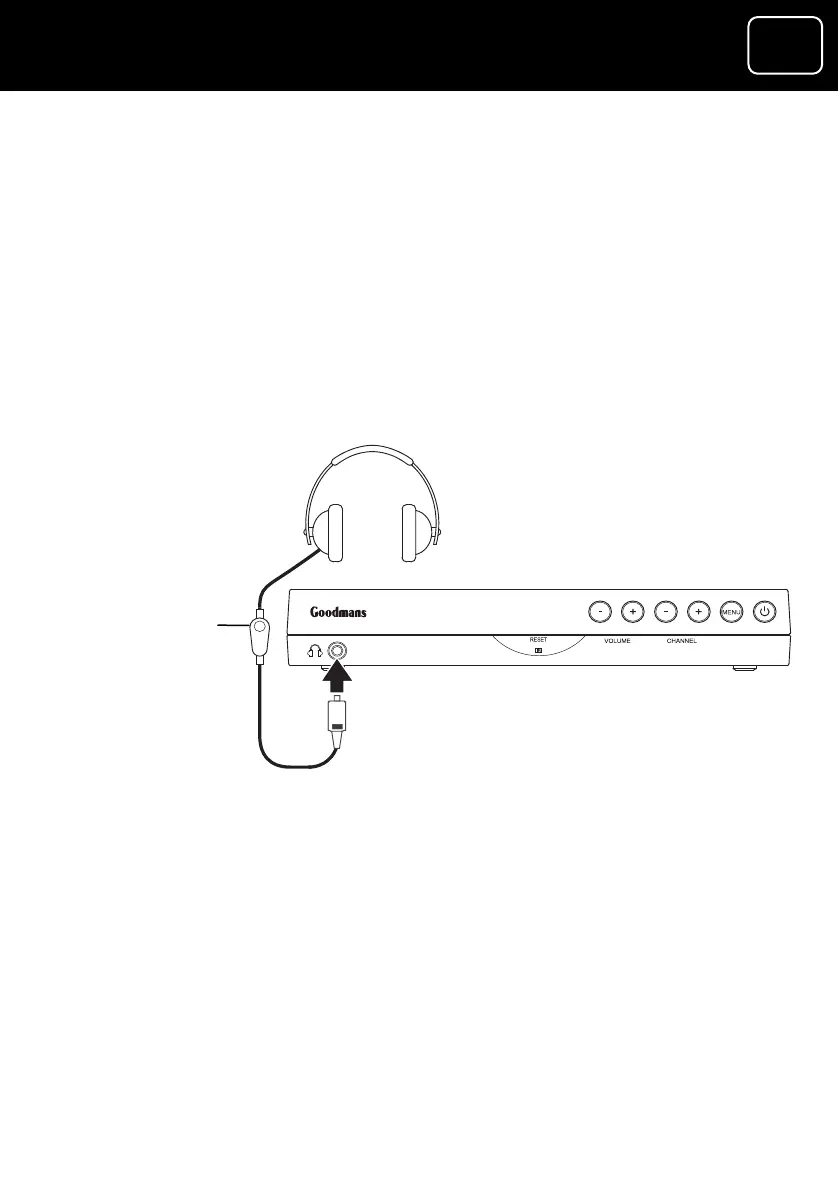
How to connect headphones to the receiver
1 Connect a 3.5 millimetre plug (this is usually the same width as
a normal headphones plug) from your he
headphone socke
adphones to the
t on the front panel of the receiver.
You can change the volume on the receiver using the remote
control (see page 6) or the in-line volume control on your
headphones (see the diagram
below).
In-line
volume
control
(if this is
fitted to your
headphones)
GDR10 Di
ital TV receiver



 To Next Page