63636363
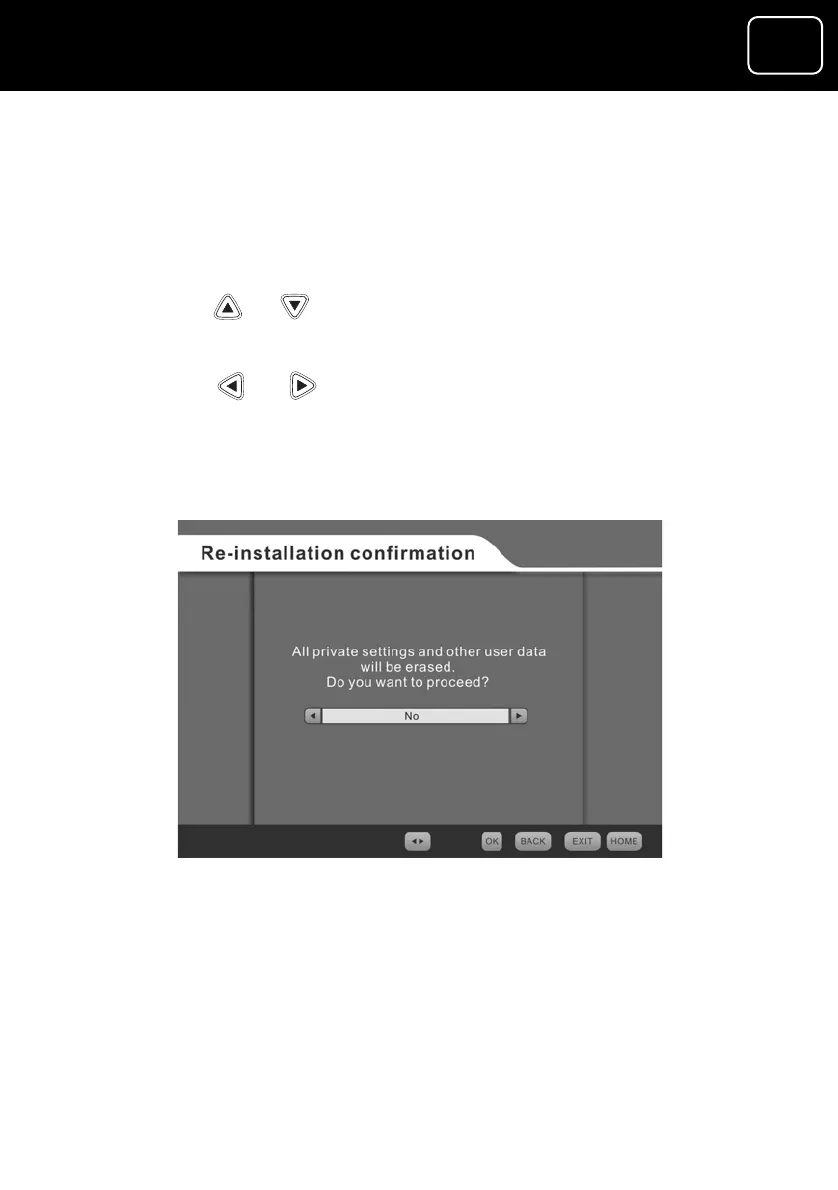
Factory settings
The factory settings menu lets you change the receiver’s settings
61 to select the
n).
ng ‘Factory settings’.
tton.
4 Press the ‘OK’ button. The receiver will reset and the welcome
screen will be displayed.
5 You will need to install channels as described on page 26.
back to the original factory settings (see page
factory setting scree
1 Using the or buttons, selecti
2 Press the ‘OK’ bu
3 Using the or buttons, select ‘Yes’.
The factory settings screen
GDR10 Di
ital TV receiver



 To Next Page