64
DR10 Di
ital TV Receiver
64
GDR10 Di
ital TV receiver
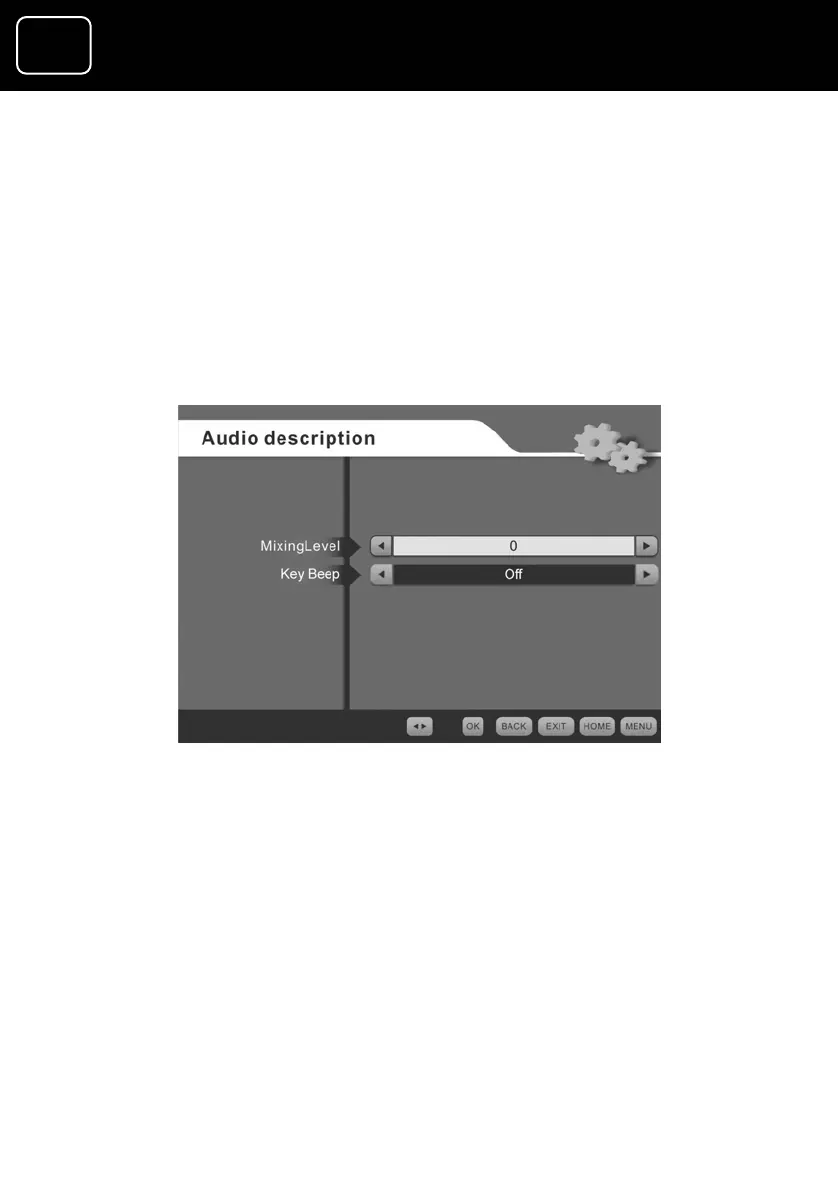
The audio description menu
This menu lets you change the volume level of th
service compared to the TV volume (see page
e audio description
lower than the TV
her than the TV volume. You can also turn the
key beep on or off using this menu. When the key beep is turned
on, you will be able to hear a quiet beep every time a remote
control button is pressed.
52 to select the audio
description screen). You can choose from 25%
volume to 25% hig
The audio description display



 To Next Page