20
DR10 Di
ital TV Receiver
20
GDR10 Di
ital TV receiver
How to turn the receiver on for the first time
When you have connected your receiver to the TV, it is then ready
ected the receiver
or example).
3 Switch on the receiver at the mains.
4 The standby light will turn green, which shows that the receiver
is ready to use.
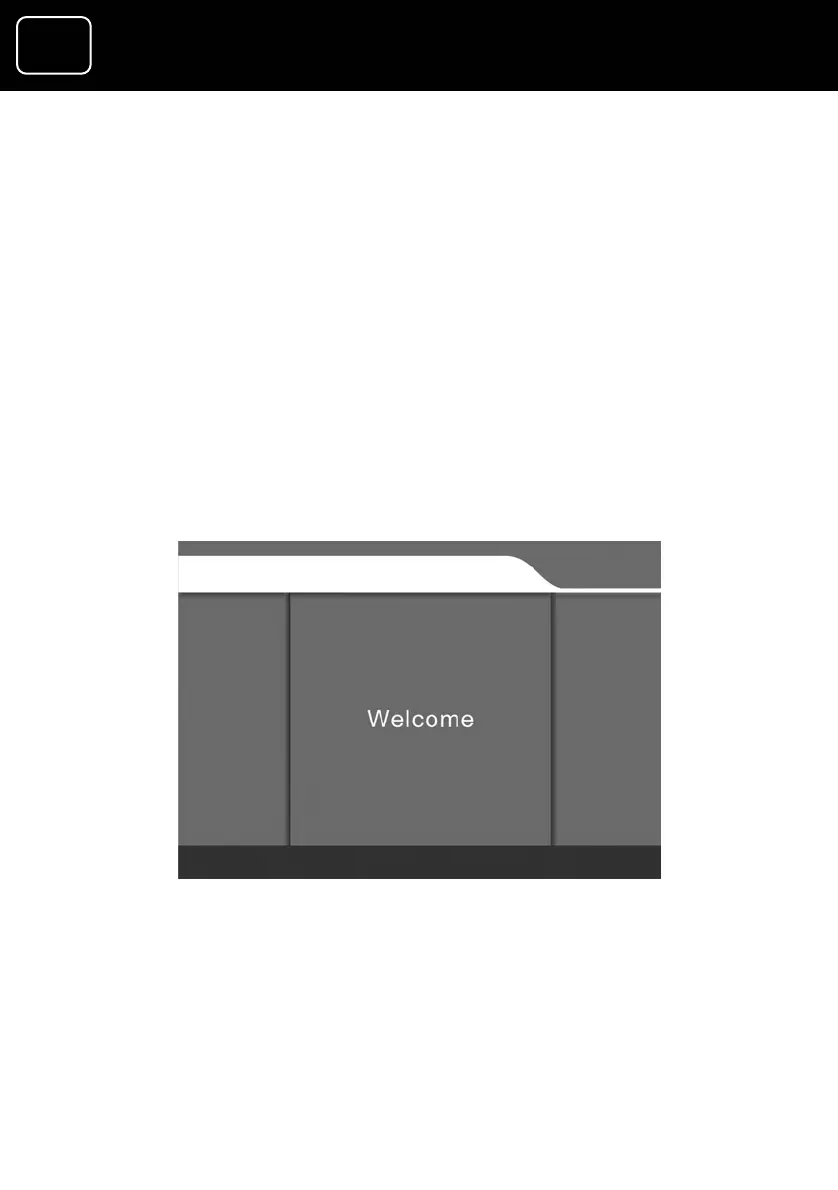
5 Your TV will show the ‘welcome’ screen (as shown below).
to use.
1 Switch on the TV.
2 Set the TV to the input channel you have conn
to (AV1, f



 To Next Page