44
GDR10 Di
ital TV receiver
Receiver
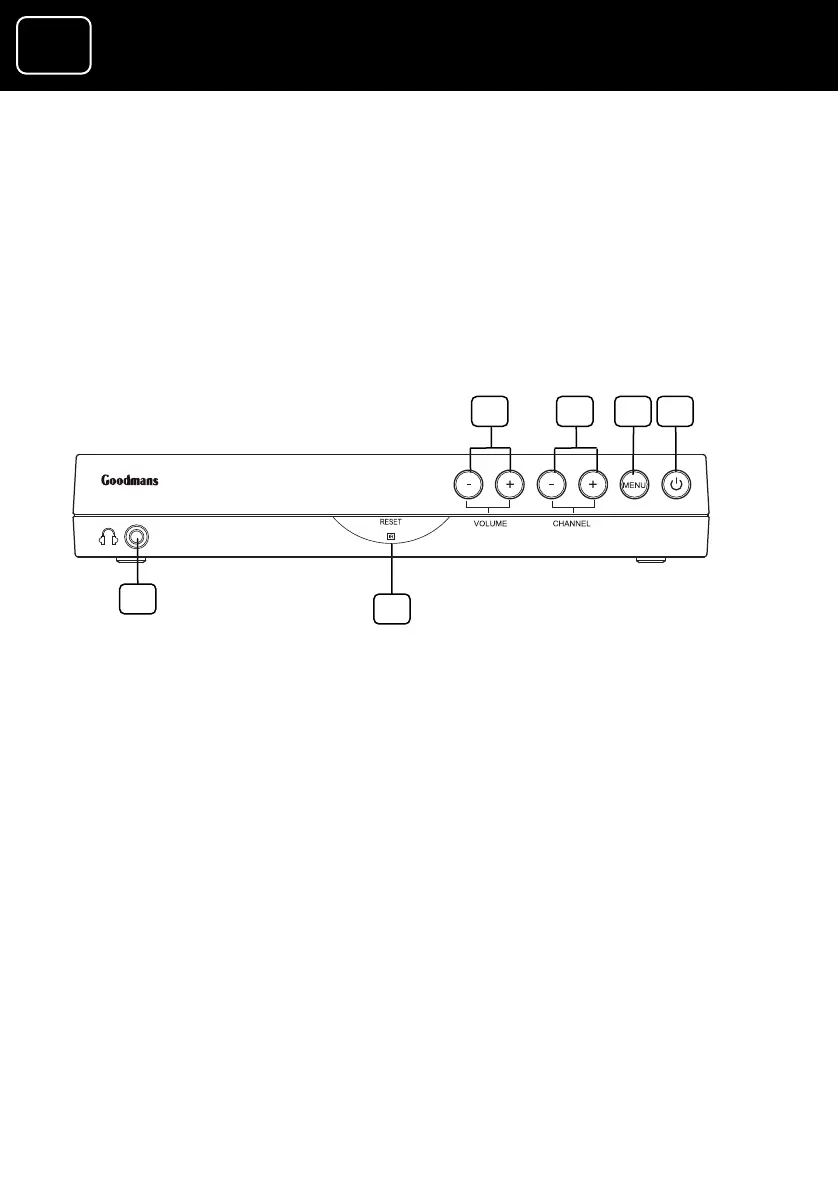
Front panel
e buttons go up
go through the on-
screen menus)
3 Menu button
4 Standby and on and off light (switches
the receiver on and off or, if it is pressed
quickly, it can be used as the OK button)
5 Reset button (this switches the receiver
off and on again when it isn’t working
properly)
6 Headphone socket (3.5 millimetres)
1 Volume buttons
2 Channel buttons (thes
and down the list and
1 3
5
2 4
6



 To Next Page