22
DR10 Di
ital TV Receiver
22
GDR10 Di
ital TV receiver
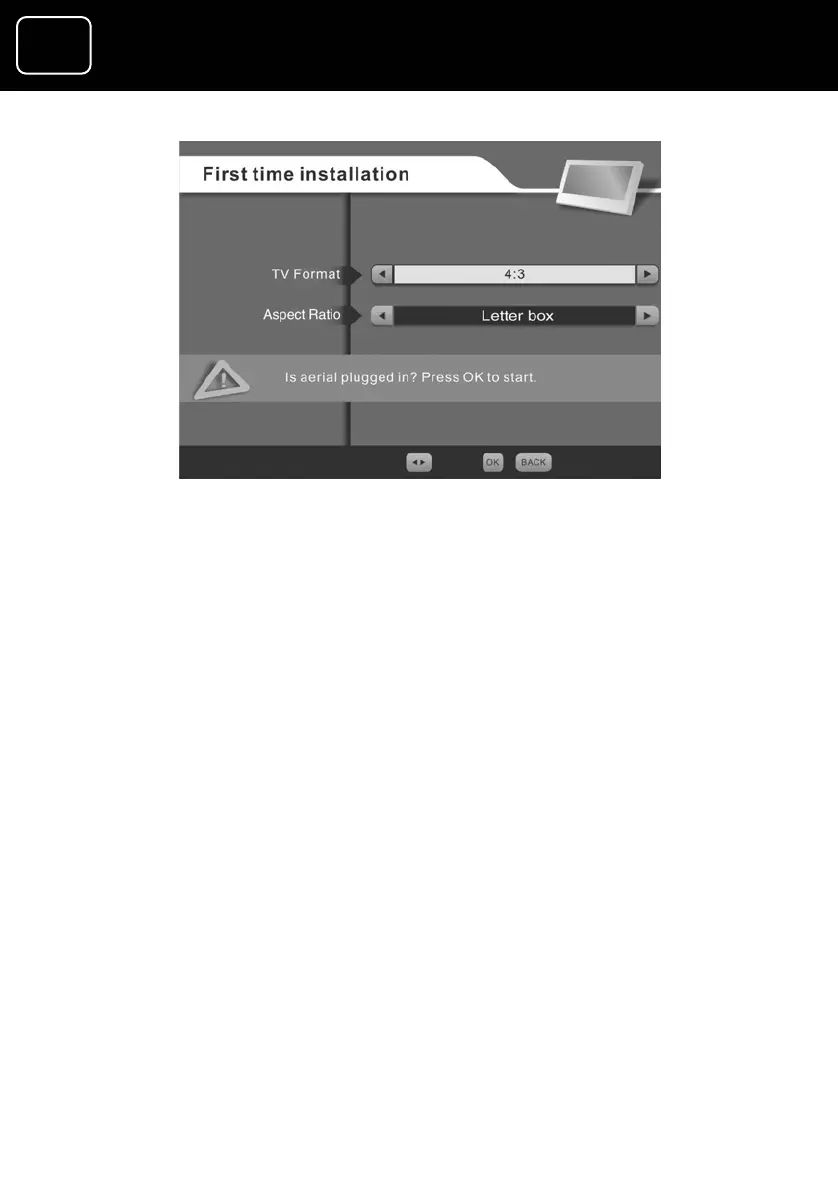
10 The aspect ratio options are ‘letterbox’, ‘com
out’. Use the arrow buttons on your remote
promise’ and ‘cut
control to choose
the one that best matches your TV.
11 When you have made your selection, press ‘OK’ on your remote
control.
12 Your receiver will now start to tune in to your new digital TV
and radio channels. You will see the screen on the following
page when your receiver is tuning in.



 To Next Page