28
DR10 Di
ital TV Receiver
28
GDR10 Di
ital TV receiver
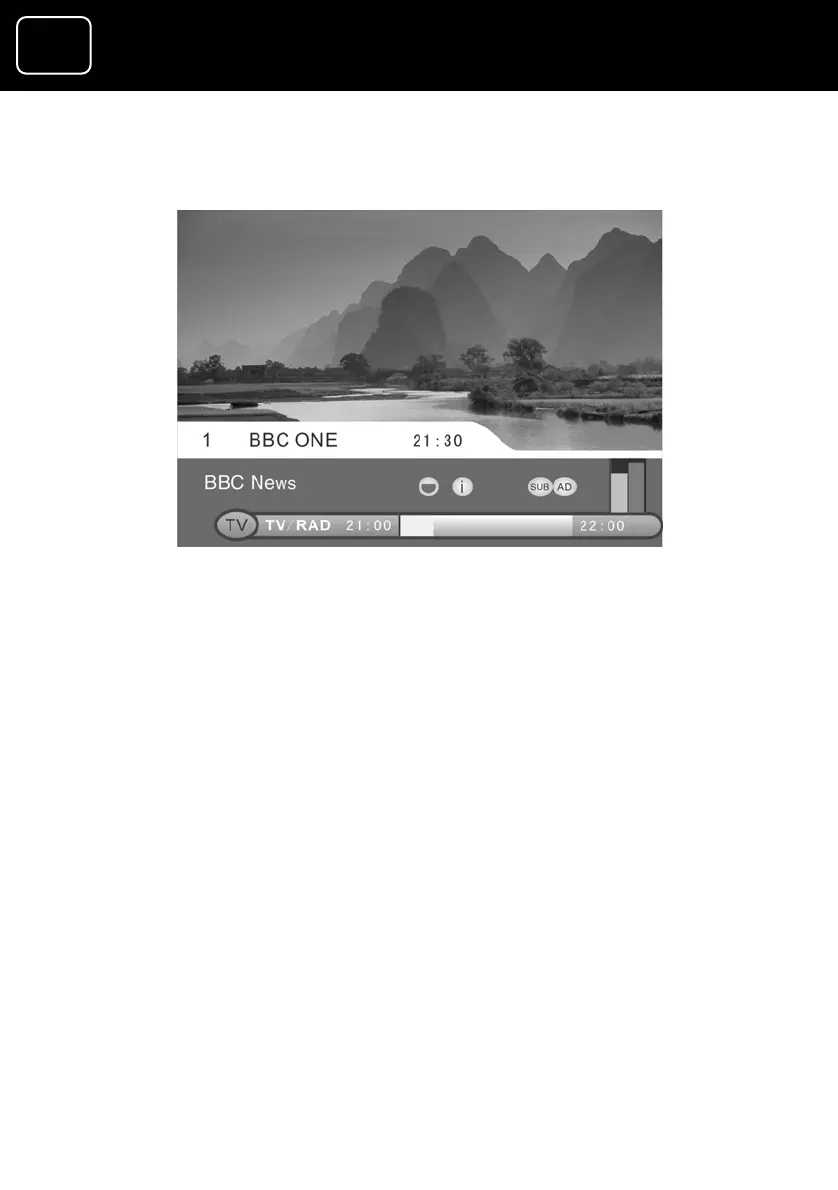
The channel select display
The banner in the lower part of the screen shows:
er;
tion on the programme you’re watching.
e information tells you:
• the programme name.
• the time the programme begins and ends; and
• if audio description or subtitles is available for that
programme. For more information on the symbols, see
page 18.
5 The yellow bar shows roughly how long the programme has
been running.
1 the channel numb
2 the channel name;
3 the current time; and
4 the informa
The programm



 To Next Page