5050
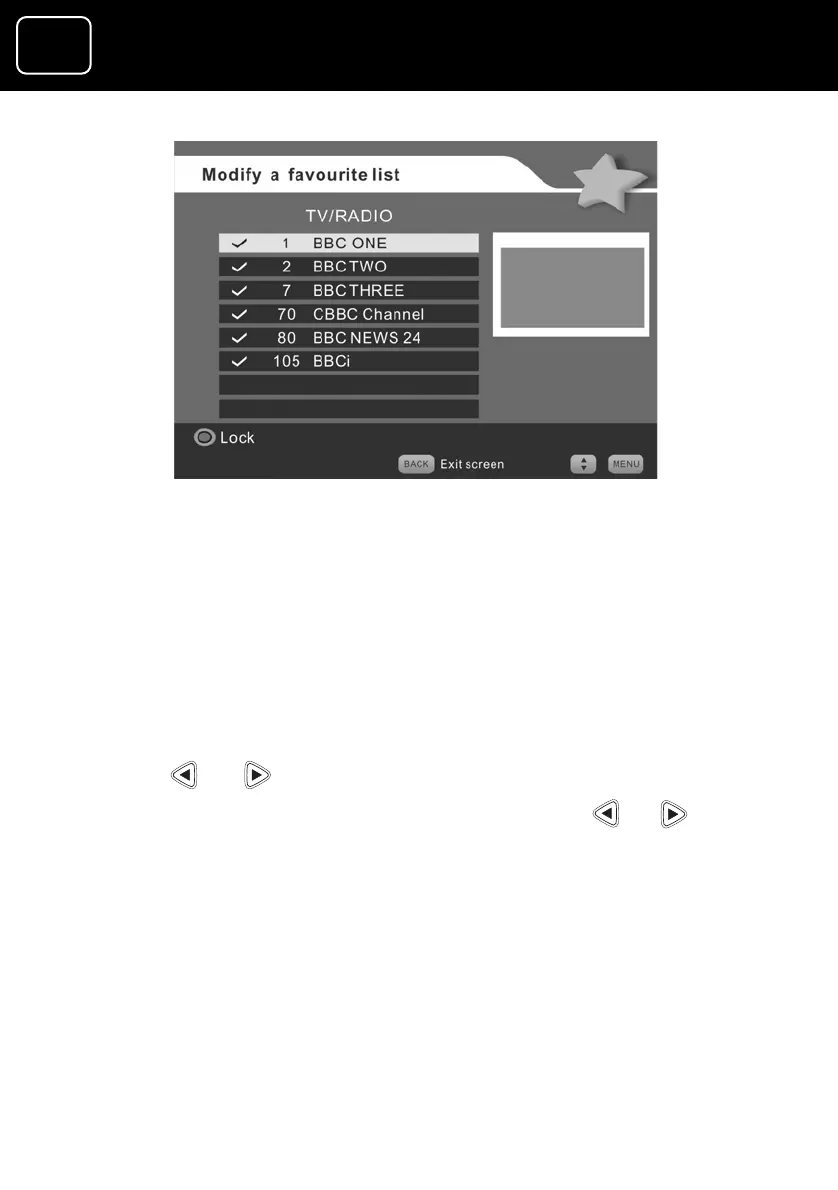
Changing the TV/radio screen (4)
to save the changes that you have made. To do
this, press the ‘back’ or ‘exit’ button.
15 You will now see a box on the screen that says ‘Do you want to
save changes?’
16 Press or to say ‘Yes’, then press ‘OK’.
17 If you don’t want to save your changes, press or to say
‘No’ then press ‘OK’.
13 To lock or unlock a channel, select the channel and press the
red button.
14 You now need
GDR10 Di
ital TV receiver


 To Next Page