53
53
DR10 Set To
Bo
53
DR10 Di
ital TV Receiver
53
53
DR10 Set To
Bo
53
GDR10 Di
ital TV receiver
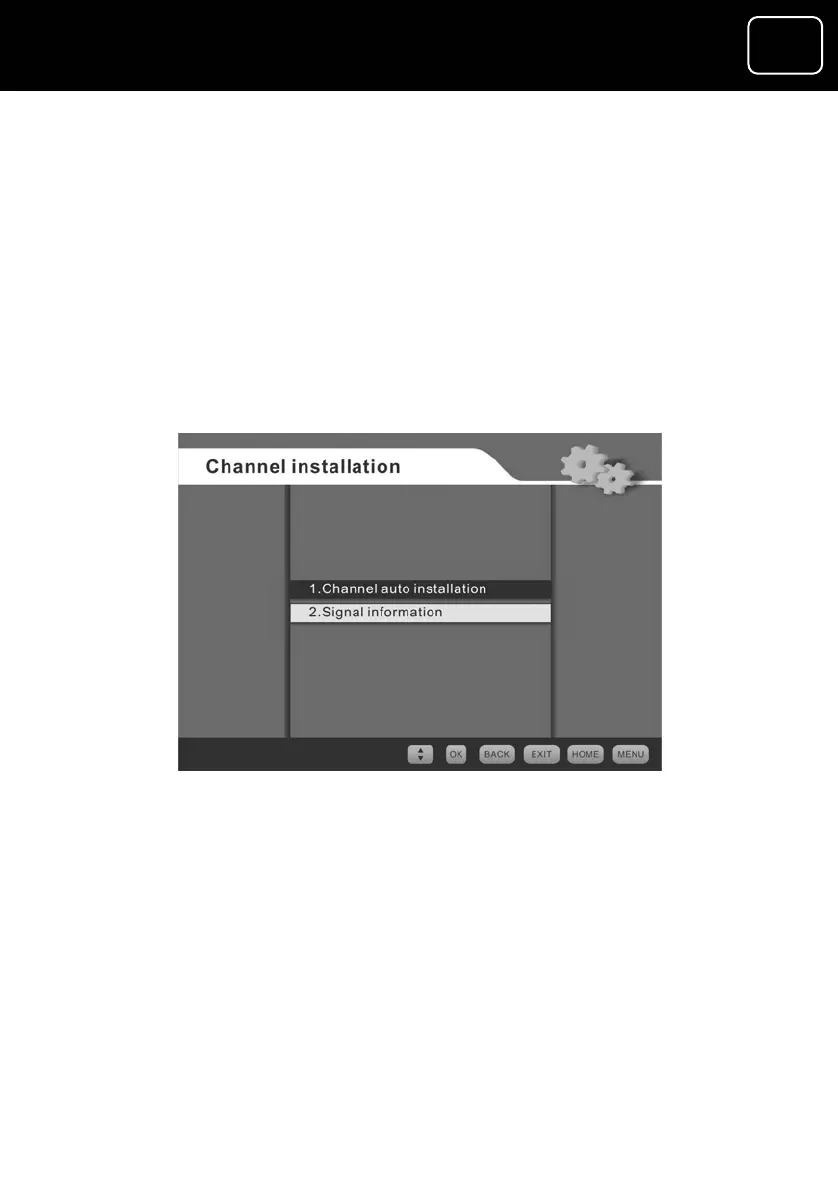
The channel installation menu
ls.
Signal information – the signal information screen gives
information about the channel you’re watching, including signal
frequency, signal quality and signal level. This could affect your
picture quality.
This menu has the following features.
• Automatic channel installation – this automatically scans and
installs all available digital TV and radio channe
•
The channel installation screen
The auto channel-installation menu
This menu lets you:
• search automatically for all channels when no channels have
been set up;
• search for all new channels which may become available; and
• add a channel that you want to watch.



 To Next Page