55555555
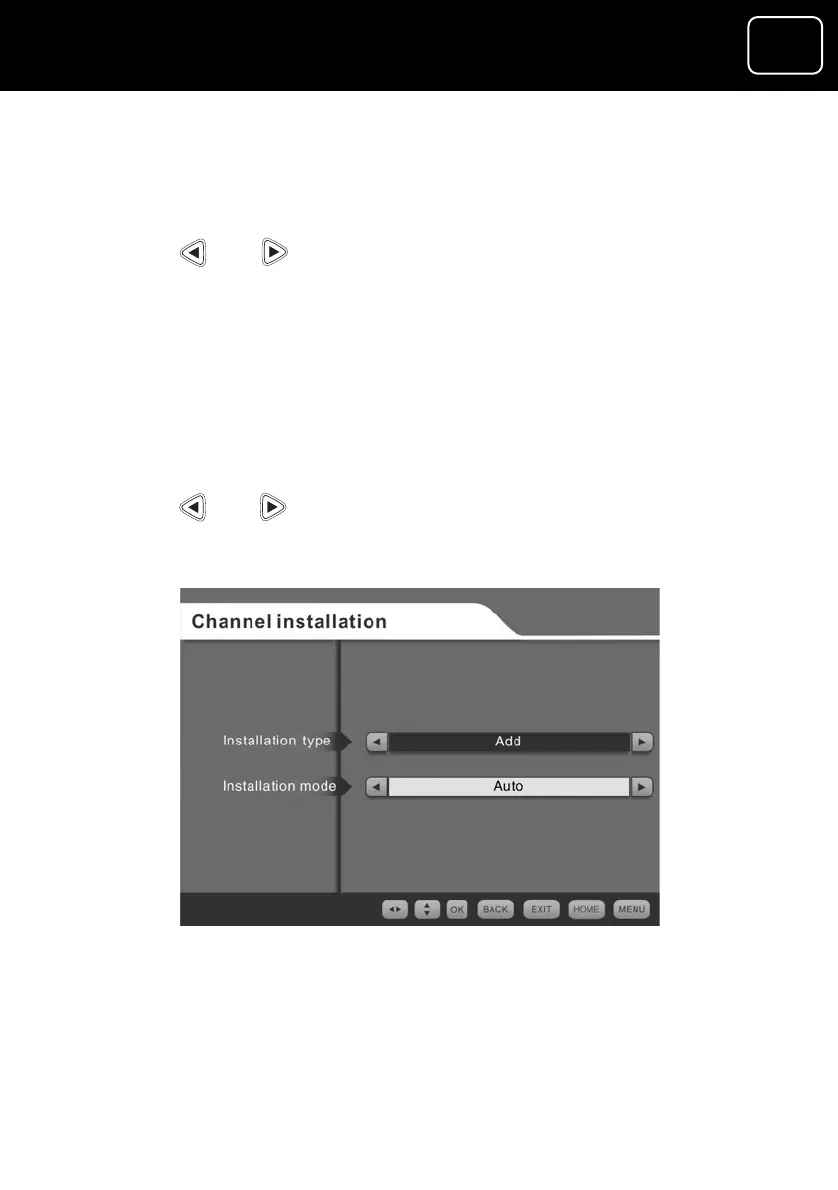
3 To set your receiver to automatically install all channels, press
the ‘OK’ button. You will now see screen (2).
annel from screen 1
u will now see screen (3) below.
button.
e screen (2) again.
ct ‘Manual’ on the
w buttons and
ss the ‘OK’ button.
8 You will now see screen (4) (see below).
9 Press or to select the channel number you want to
add, and press the ‘OK’ button. You will now see screen (2)
again.
4 To search for new channels or add a ch
press or and yo
5 To search for all new channels, press the ‘OK’
6 You will now se
7 To add a single channel, from screen (3) sele
installation mode option by pressing the arro
pre
The auto channel-installation screen (3)
GDR10 Di
ital TV receiver



 To Next Page