
 Need help?
Do you have a question about the Goodmans MICRO1470DABI and is the answer not in the manual?
Explains the operation and buttons of the supplied remote control.
Steps for setting up the remote, connecting the iPod, and powering the unit.
How to turn the unit on/off and select audio sources.
How to connect and play music from an iPod or iPhone.
Recommendations for safe listening and general electrical precautions.
 General
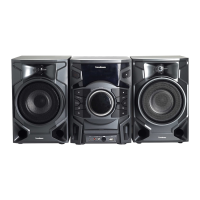
| Type | Micro System |
|---|---|
| Power Output | 20W RMS |
| Bluetooth | Yes |
| USB Playback | Yes |
| CD Player | Yes |
| Headphone Socket | Yes |
| Auxiliary Input | Yes |
| Remote Control | Yes |
| Weight | 2.5 kg |
| Tuner | DAB/FM |
| Playable Formats | MP3, WMA |













 To Next Page