32 33
VIDEO MODE: SETTINGS
VIDEO RESOLUTION
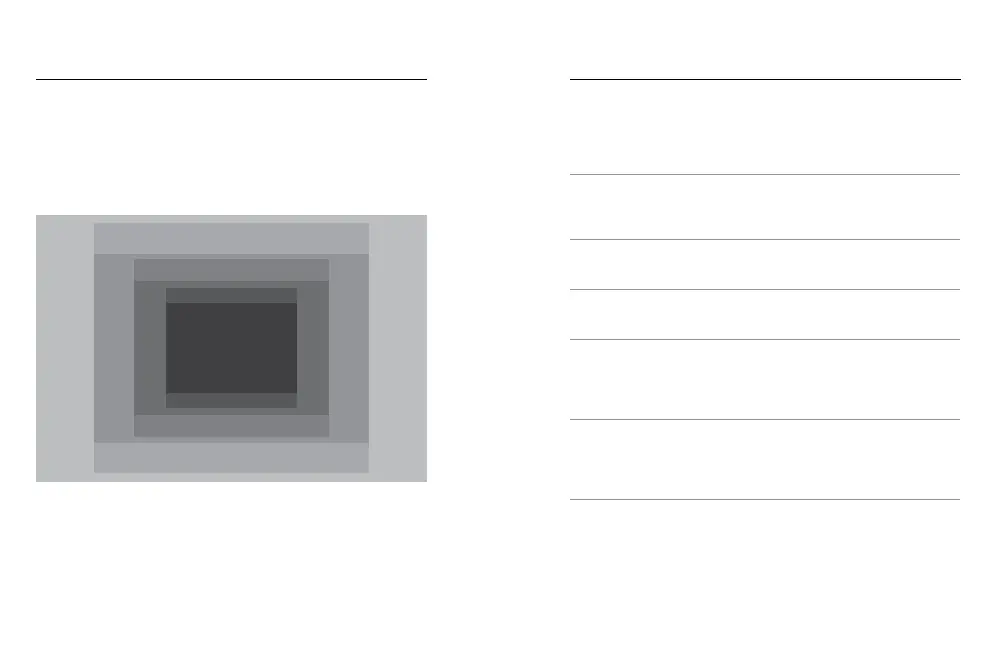
Video resolution (RES) refers to the number of horizontal lines in the video.
For example, 720p means that the video has 720 horizontal lines, each with
a width of 1280 pixels. Higher numbers of lines and pixels result in greater
detail and clarity. So, a video with resolution of 4K is considered higher
quality than 720p because it consists of 3840 lines, each with a width of
2160 pixels.
Use this table to help you determine the best resolution for your activity.
Also consider the capabilities of your computer or TV to be sure your
hardware can support the selected resolution.
Video Resolution Best Use
4K
Stunning high-resolution video with professional
low-light performance. 8MP stills available from
video. Recommended for tripod or fixed position
shots.
2.7K
16:9 resolution video downscales to provide
stunning, cinema-quality results for professional
productions.
2.7K 4:3
Recommended for body-mounted, ski-mounted
or surfboard-mounted shots. Provides large
viewing area.
1440p
Recommended for body-mounted shots. Aspect
ratio of 4:3 captures a larger vertical viewing
area, compared to 1080p. High frame rate yield
the smoothest, most immersive results for high-
action capture. Great for sharing to social media.
1080p
Great for all shots and for sharing to social
media. High resolution and frame rate yield
stunning results. This resolution is available in all
FOVs and its high FPS option (90fps) enables
slow motion during editing.
VIDEO MODE: SETTINGS
4K
2.7K 4:3
2.7K
1440p
1480p
960p
720p



 To Next Page