14 15
NAVIGATING YOUR GOPRO
Your HERO5 Session has three modes:
• Video
• Photo
• Time Lapse
Each of those modes has three capture modes.
Mode Capture mode Description
Video
Video
Video + Photo
Looping
Capturing Video
(page 16)
Photo
Single
Burst
Night
Capturing Photos
(page 18)
Time Lapse
Time Lapse Photo
Time Lapse Video
Night Lapse Photo
Capturing Time Lapse
Content
(page 20)
CHANGING MODES + SETTINGS
You can change almost all video and photo settings using the buttons on
the camera. To access all settings and modes, see Accessing All Modes and
Settings
(page 28).
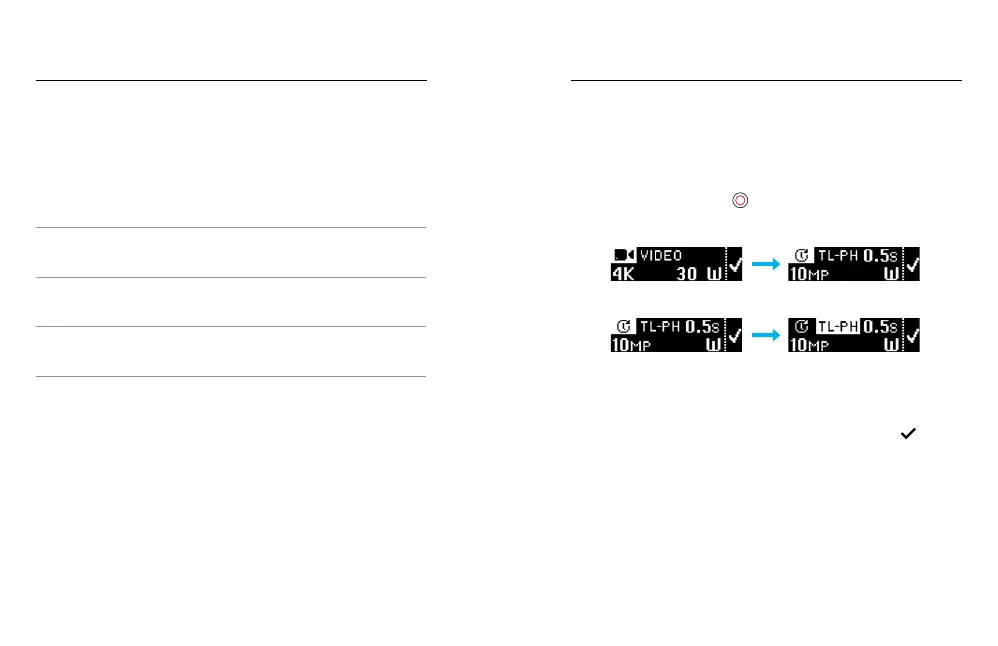
1. Press the Menu button to turn on the status screen.
2. Press the Menu button repeatedly to move to Camera Settings, then
press the Shutter button [
] to select it.
3. To change the mode, press the Shutter button repeatedly to display
the mode that you want (Video, Time Lapse, or Photo).
4. Press the Menu button to move to the next field.
5. Press the Shutter button repeatedly to display the capture mode that
you want.
6. Press the Menu button to move to a setting, then press the Shutter
button to display the option that you want.
7. When you are finished, press the Menu button to move to [ ],
then press the Shutter button to confirm the selection.
CHANGING MODES + SETTINGS



 To Next Page