This Quick Start Guide will show you
the basics of capturing life’s most
incredible moments with your GoPro.
To download the full user manual,
visit gopro.com/getstarted
CONGRATULATIONS
on your
new
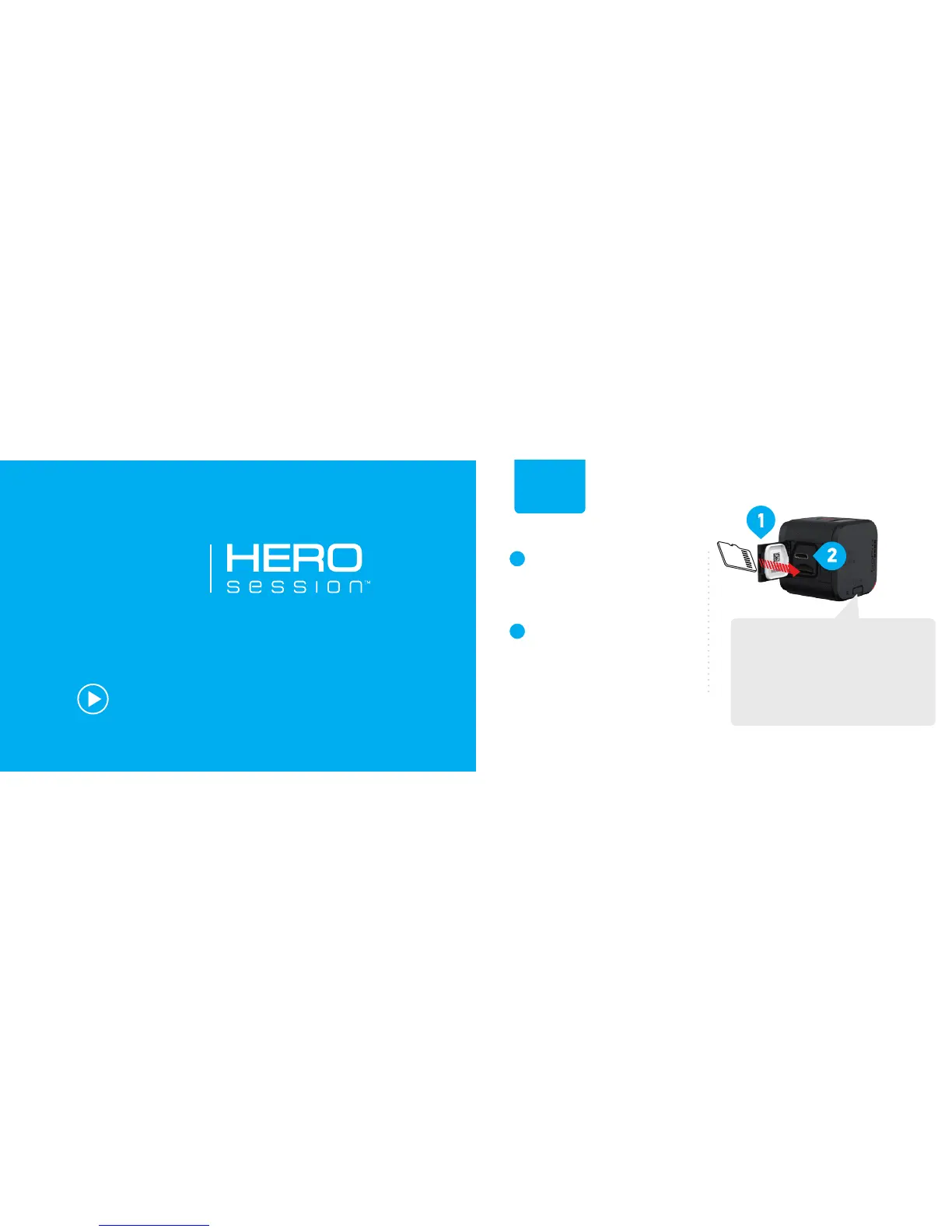
Open the side door and
insert a microSD card.
(Requires at least a Class 10 or UHS-I
microSD card up to 64GB, sold separately.)
Charge using the included
USB cable. The red status
light turns off when fully
charged.
SETUP
INFO/WIRELESS BUTTON
Change settings, get status
info, and connect to the GoPro
App for mobile or the Smart
Remote (sold separately).


 To Next Page