22 23
SETTINGS
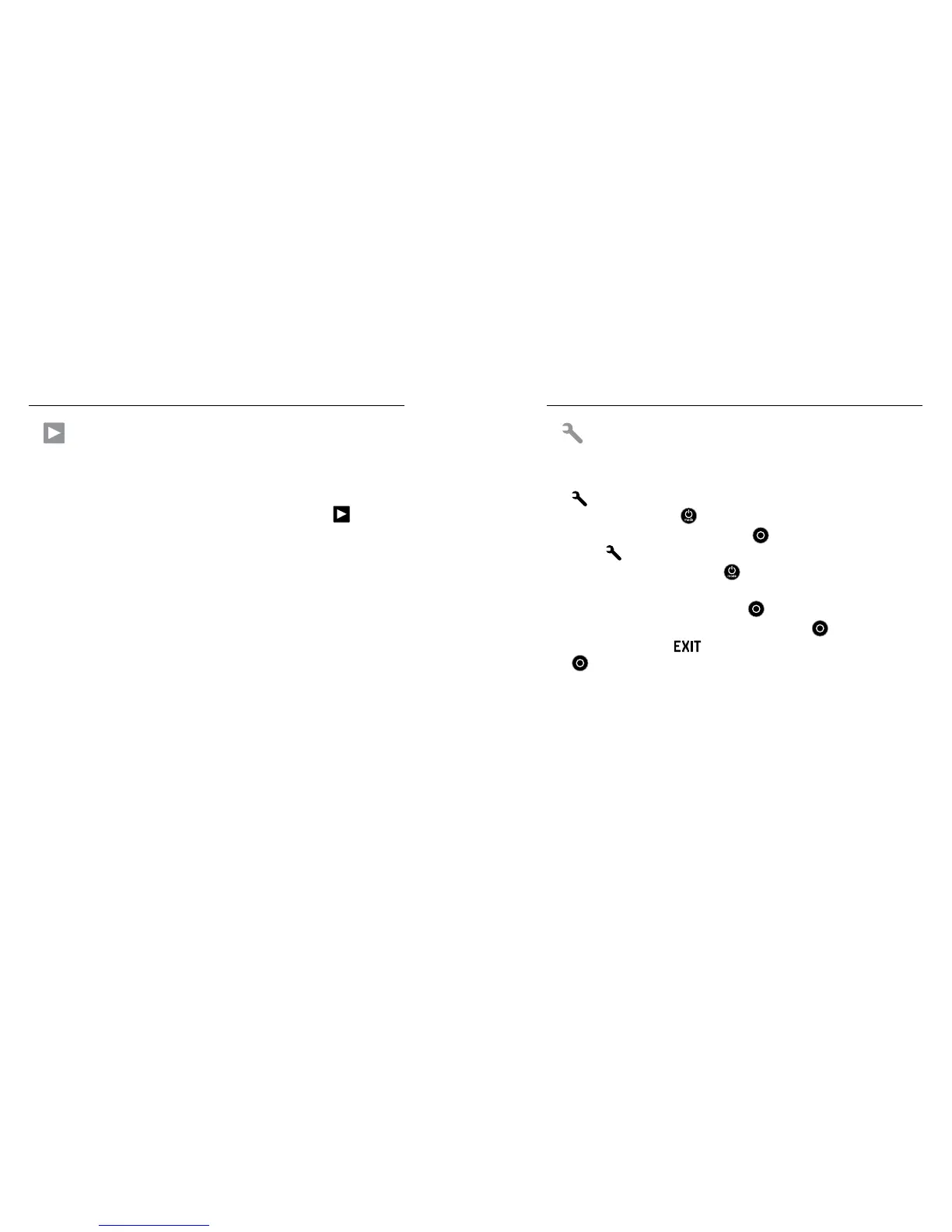
To Enter the Settings Menu:
1. Verify that the camera is in the Settings mode. If the Settings icon
[
] does not appear on your camera status screen, press the
Power/Mode button [
] repeatedly until it appears.
2. Press the Shutter/Select button [ ] to enter the Settings
menu [
].
3. Use the
Power/Mode button [
] to cycle through the various
Settings options.
4. Press the Shutter/Select button [
] to select the desired option.
5. To exit, hold down the Shutter/Select button [ ] for two seconds
or cycle through to [
] and press the Shutter/Select button
[
] to select it.
/ Camera Settings/ Camera Modes
PLAYBACK
Play back video and photos by connecting your HERO3+ Silver to a TV
(requires micro HDMI, composite or combo cable, sold separately).
You can also play back video and photos on the LCD Touch BacPac
(optional accessory, sold separately). The Playback icon [ ] appears
only if the camera is connected to a TV or LCD Touch BacPac.
See Playback for more information on viewing your videos and photos.














 To Next Page