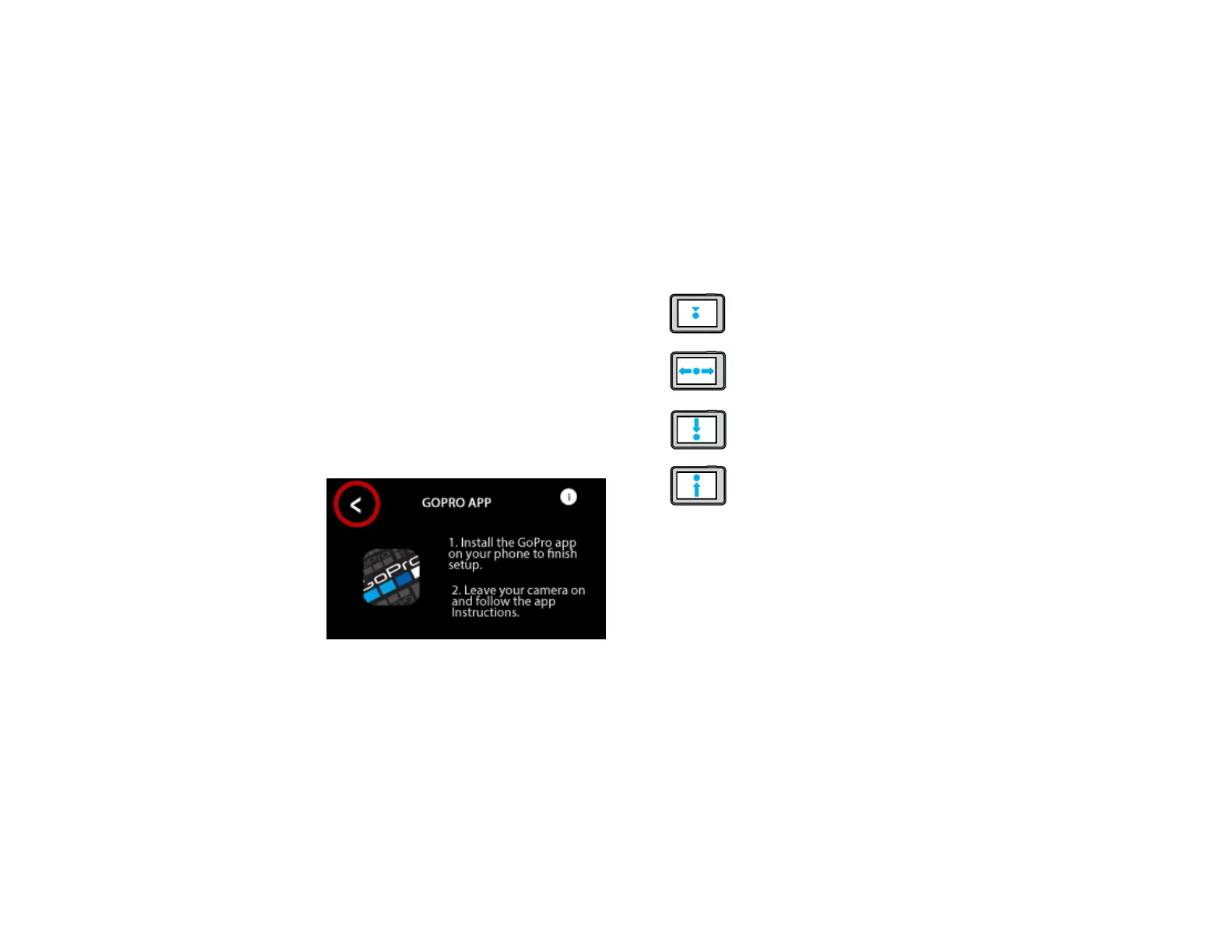
GOPRO APP PROMPT
When the GoPro has not been powered on for a
while, the GoPro may prompt you to install the app
to nish setup.
The app is not required for use. Just tap the < on the
screen or tap the Mode buon on the side of the
camera. You may need to select “Skip Setup” on the
next prompt.
USING THE REAR TOUCH SCREEN
Tap—Selects an item, turns a seng on
or o
Swipe Le or Right– Switches between
Video, Photo, and Time Lapse modes
Swipe Down from the Top Edge of the
Screen—Opens the Dashboard
Swipe Up from the Top Edge of the
Screen—View Media Gallery



 To Next Page