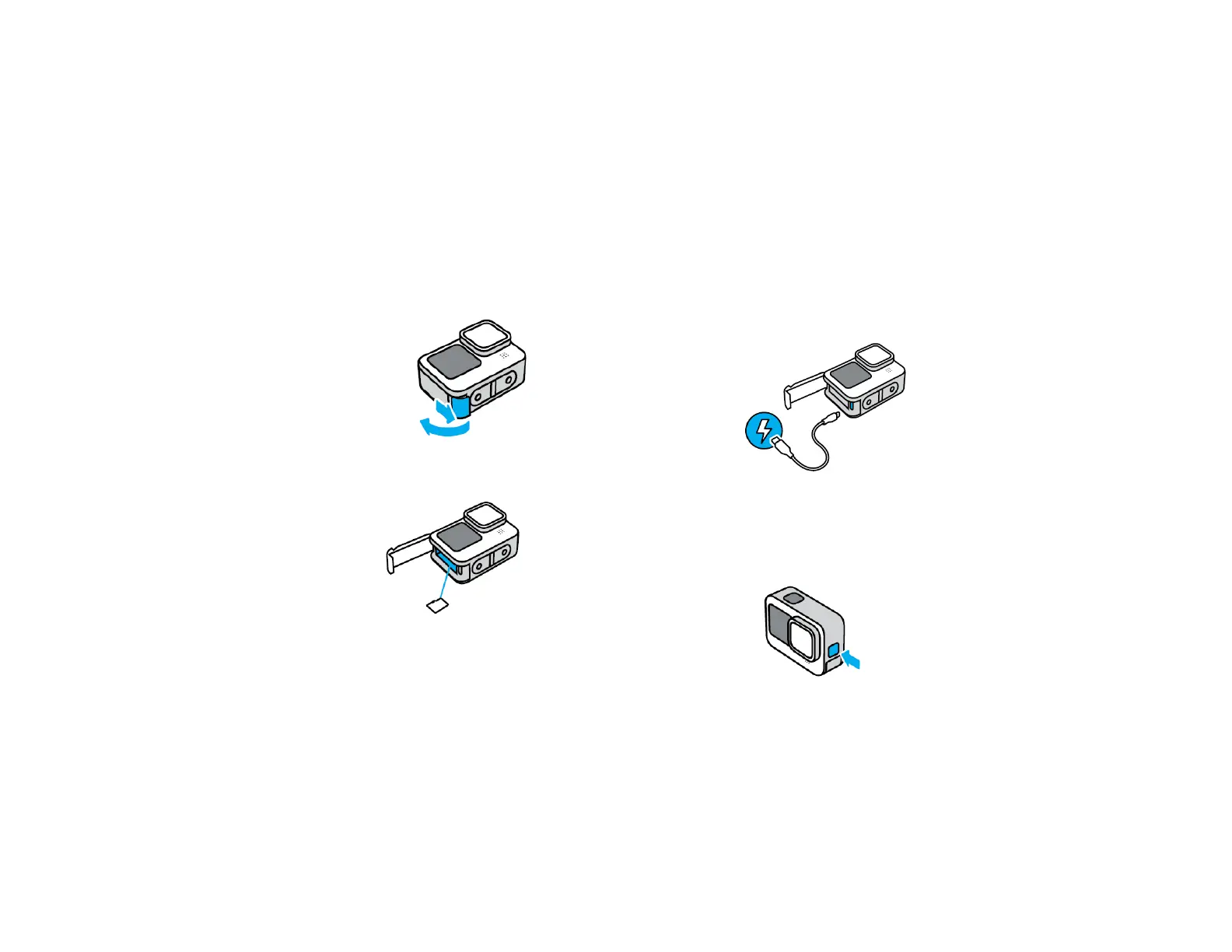
INSTALLING YOUR MICRO SD CARD
1. Unlock the door latch and ip the door open.
2. With your camera o, insert the SD card into
the card slot with the label facing the USB port.
You can eject the card by pressing it into the
slot with your ngernail.
CHARGING THE BATTERY
1. Connect your camera to the USB charger
provided using the included USB-C cable.
On: Press the Mode buon to turn on
O: Press and hold the Mode buon for 3
seconds to turn o
POWERING ON/OFF



 To Next Page