HILIGHT TAG
Press the Settings/Tag
button to mark key moments
while recording to make
them easier to find later.
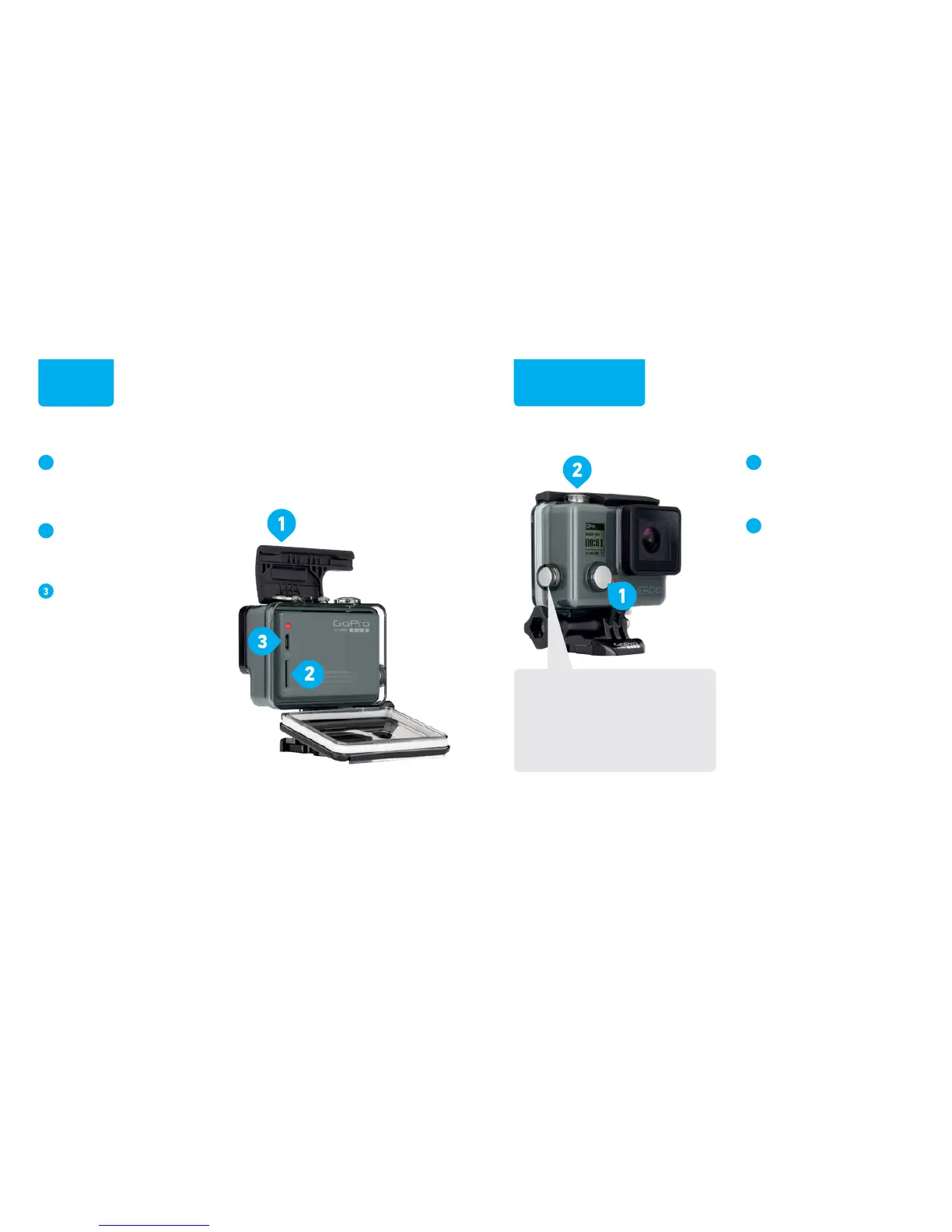
Unlatch and open the
backdoor.
(The camera cannot be removed from
the housing.)
Insert a microSD card.
(Requires at least a Class 10 or
UHS-I microSD card up to 64GB,
sold separately.)
Charge using the
included USB cable.
(The battery cannot be removed from
the camera.)
Press the Power/Mode
button to power on the
camera.
Press the Shutter/Select
button to start/stop
recording.



 To Next Page