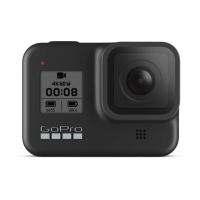
ADJUSTING
SETTINGS
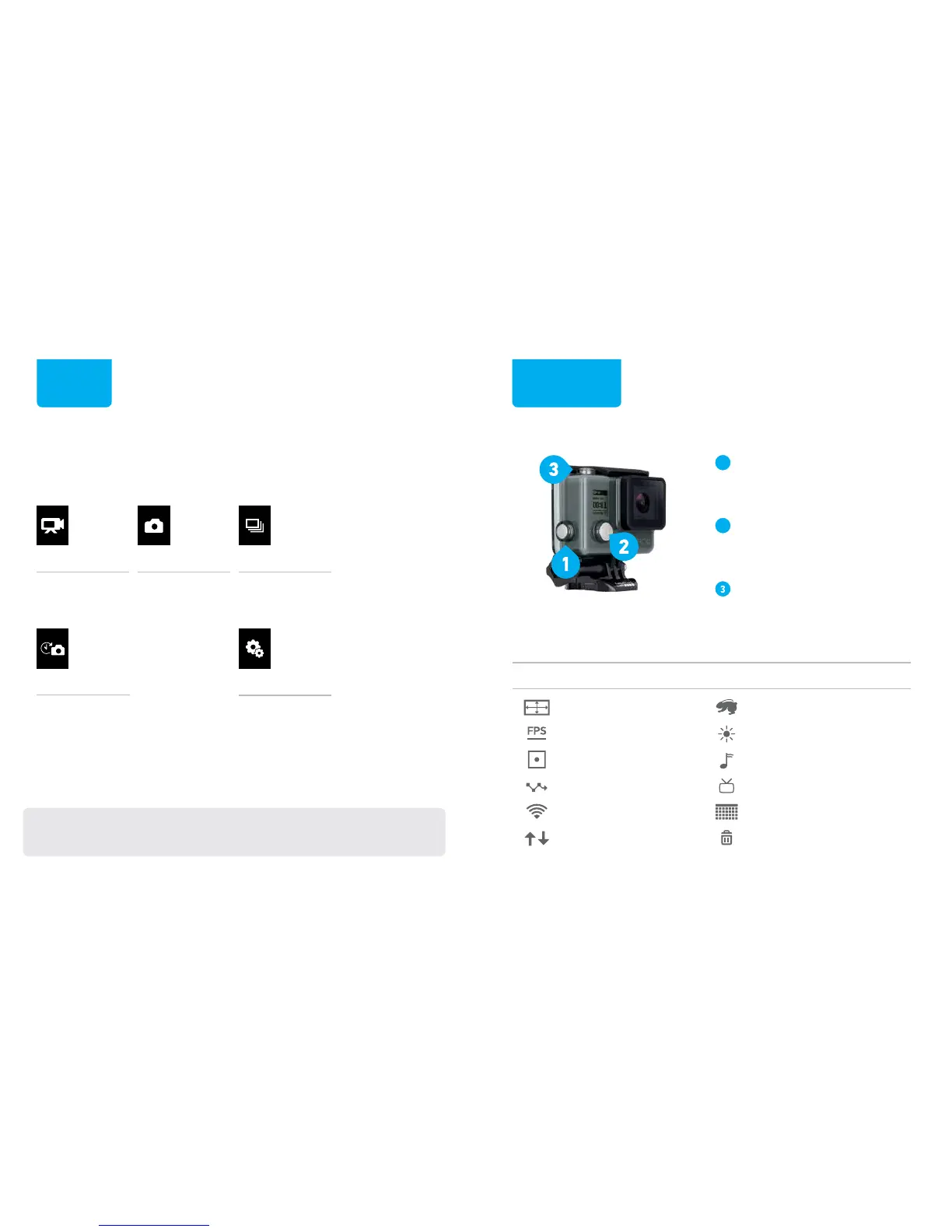
MODES
VIDEO
Capture video.
PHOTO
Capture a
single photo.
BURST
Capture photo bursts.
TIME LAPSE
Capture a series of photos at
set time intervals.
SETUP
Adjust general camera settings.
(Press the Shutter/Select button to open Setup mode.)
For full details about all modes, resolutions and settings,
download the User Manual at gopro.com/getstarted
To change modes, press the Power/Mode button repeatedly to
cycle to the mode that you want.
Press the Settings/Tag button
to open the settings menu for
the current mode.
Press the Power/Mode button
repeatedly to cycle to the setting
that you want to change.
Press the Shutter/Select
button to select an option.


 To Next Page