3
/ The Basics
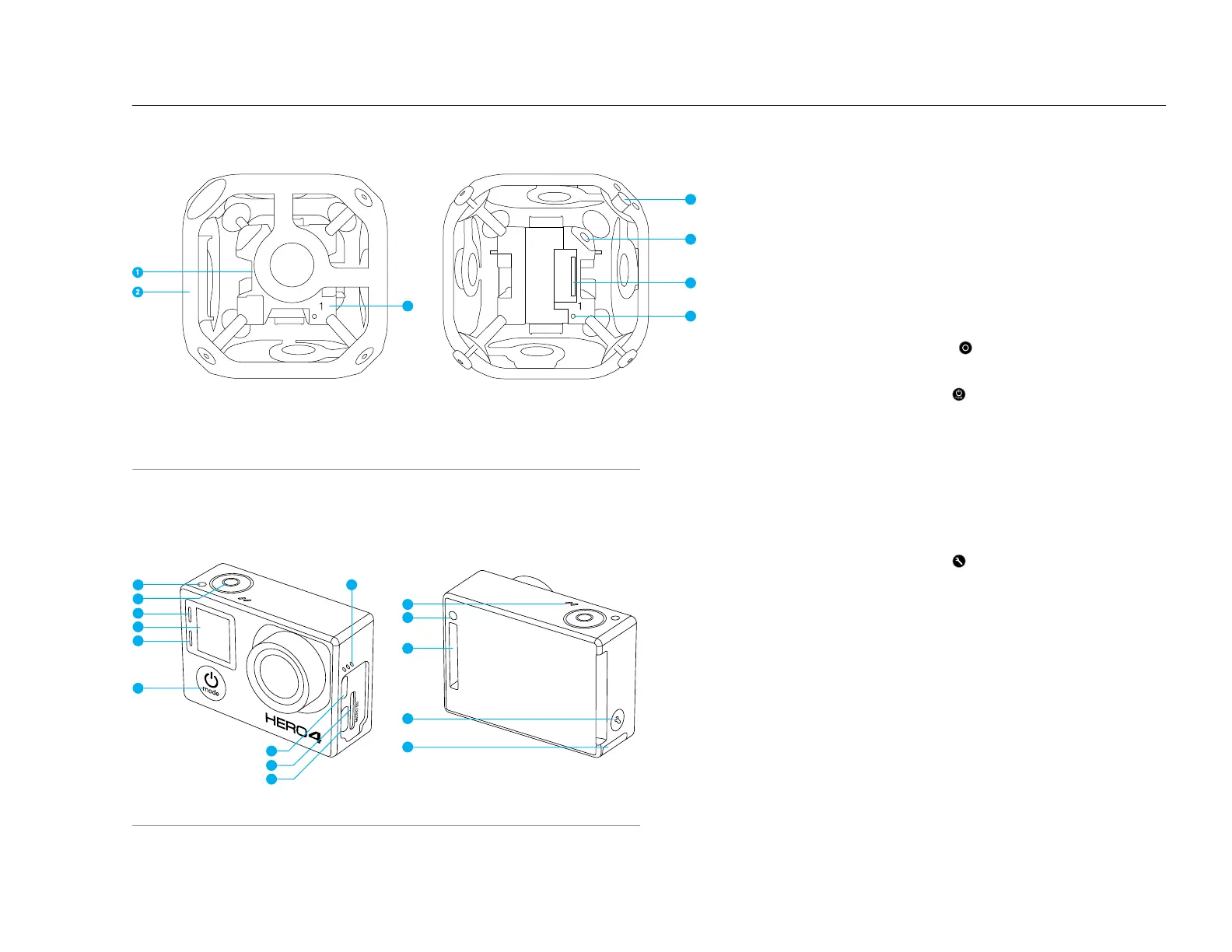
CAMERA
OMNI SYNC RIG
3
1. Inner Cube (Synchronizer)
2. Frame (6x Outer Panels)
3. Camera Position Indicator (1-6)
4. Mounting Corner (1/4-20
Threaded Insert, 1x Top
under removable Corner Cap,
1x Bottom)
5. Power Connector
(2.5mm x 5.5mm)
6. HEROBus Connector (30-pin)
7. Array Camera Status Light
8. Camera Status Light (red)
9. Shutter/Select Button [
]
10. Wireless Status Light (blue)
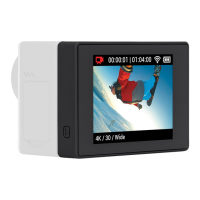
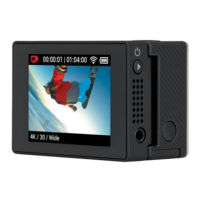
11. Camera Status Screen
12. Power/Mode Button [ ]
13. Micro HDMI Port
(cable not included)
14. microSD Card Slot
15. Mini-USB Port
(supports composite A/V
cable/3.5mm stereo mic adapter,
not included)
16. Audio Alert
17. Microphone
18. HEROPort
19. Settings/Tag Button [
]
20. Battery Door
8
8
12
13
14
15
16
17
8
18
19
20
9
11
10
6
7
5
4



 To Next Page