Unpacking and Inventory:.
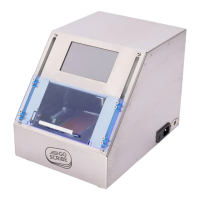
Carefully lift the GoScribe Mini engraver from its shipping carton. It weighs 16 pounds and
should be carefully removed from the shipping carton and placed onto a solid table. Do not
discard the shipping box.
Should you need repairs or want to purchase upgrades you will need this box for shipping.
Inventory the GoScribe. You should find each of the following:
*GoScribe Machine
*Power Cord
*Mini Keyboard
*ID Tag Holders
*Selection of ID Tags
GoScribe Operation
**Important Safety Information**
The GoScribe machine will not operate with the door open. For emergency stop simply open
the door.
1. Plug the mini keyboard into the side of the GoScribe.
2. Plug the power cord into the GoScribe. Then plug the other end into a protected power strip.
3 Now turn on the Goscribe Engraver by pressing the switch next to the power plug in.
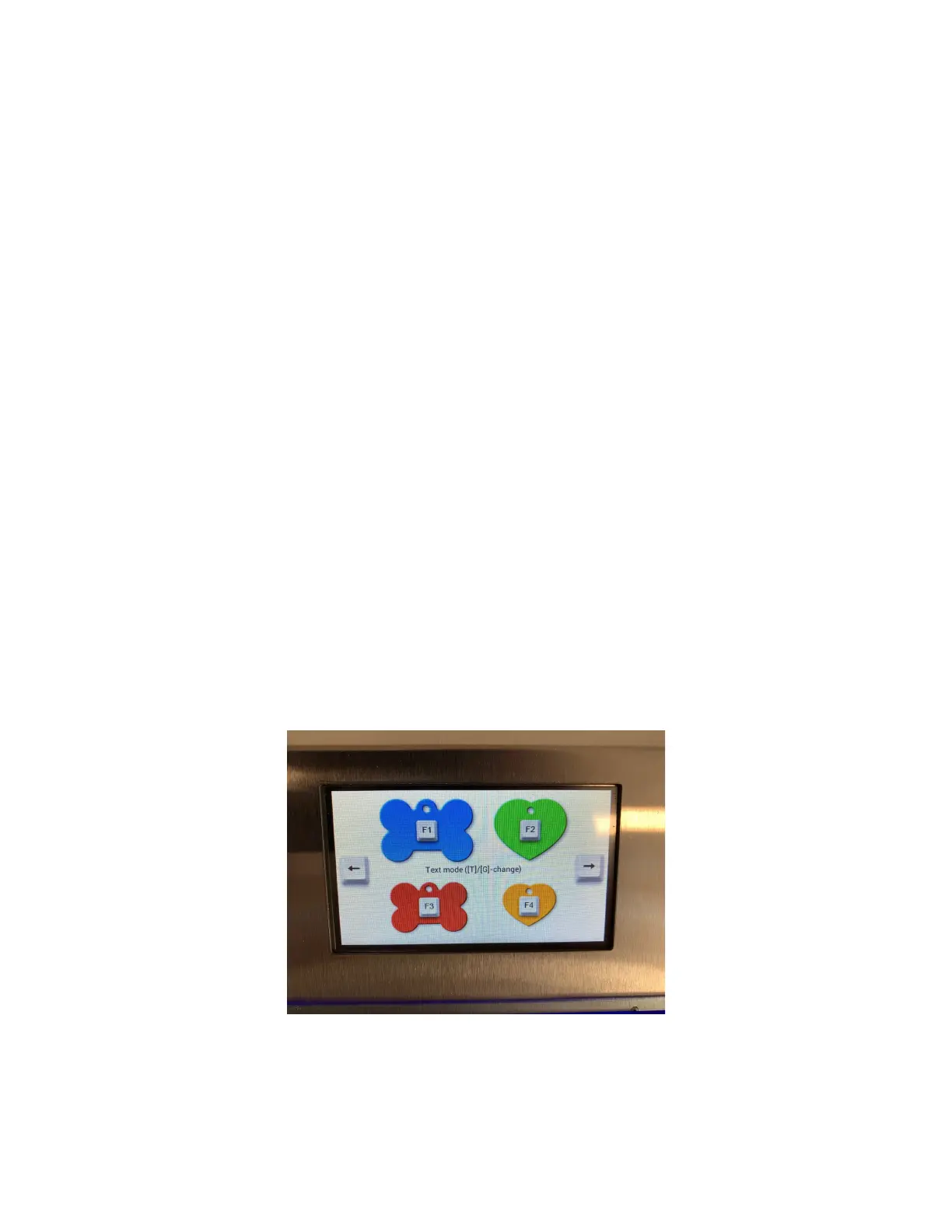
4. Choose a tag to engrave by pressing the corresponding function key on the mini keyboard.
You can also choose a tag by touching the corresponding tag on the lcd screen.
Press the left and right arrow on the mini keyboard or lcd to scroll through the additional screens
with more tag options.
5. Notice the LCD screen is now prompting you to “Insert tag and close door”. Open the door of
the engraver and place the correct tag holder with tag inserted.
6. Type the personalized tag information. As you type it will appear on the tag automatically
centered. To choose alternative fonts press Control + F. To make a line larger use the up


 To Next Page