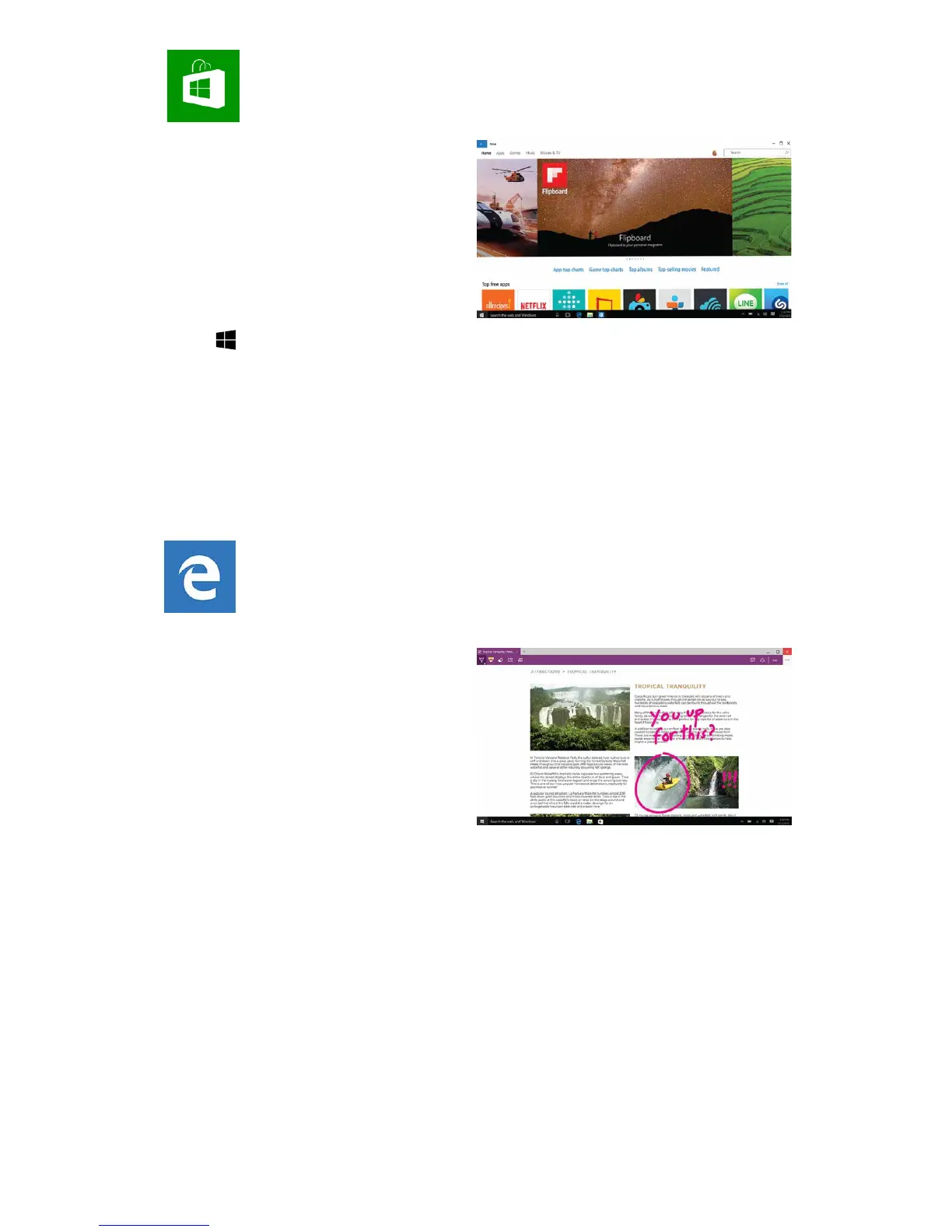
You can find tons of Apps,
Games, Music, Movies & TV in
the Windows Store.
There's loads for free, and there's
something for everything, and
something for everyone.
Tap Start > Store.
1. Use the Search box to find the app you want, or browse the Charts
2. Tap your chosen app to open the details about it
3. If it is a free app, click Install
If it is a paid app, click Buy to purchase the app before installing it
Note: You must be signed in with your Microsoft account to install apps
from the Windows Store.
WINDOWS STORE
EDGE INTERNET
Edge is your new internet
explorer for Windows 10- it’s the
latest way to surf the web.
Microsoft Edge gives you new
ways to find things, read – and
write – on the web, plus help
from Cortana where you need it.
Write on the web Edge lets you
take notes, write, doodle and highlight directly on web pages. Then you
can save and share your handiwork with friends, family or colleagues.
Cortana When you stumble across a topic on the web that you’d like to
know more about, Cortana is your all-knowing guru. Highlight a word or
phrase, tap & hold it, then Ask Cortana to learn more about it.
Hub is where you collect things from the web. Select Hub to view your
favourites, reading list, browsing history and current downloads.
Reading list lets you save webpages that you want to read later.
Just select Add to favourites or Reading list > Reading list > Add.
When you're ready to read, go to the Hub and select Reading list.


 To Next Page