EasyManua.ls Logo

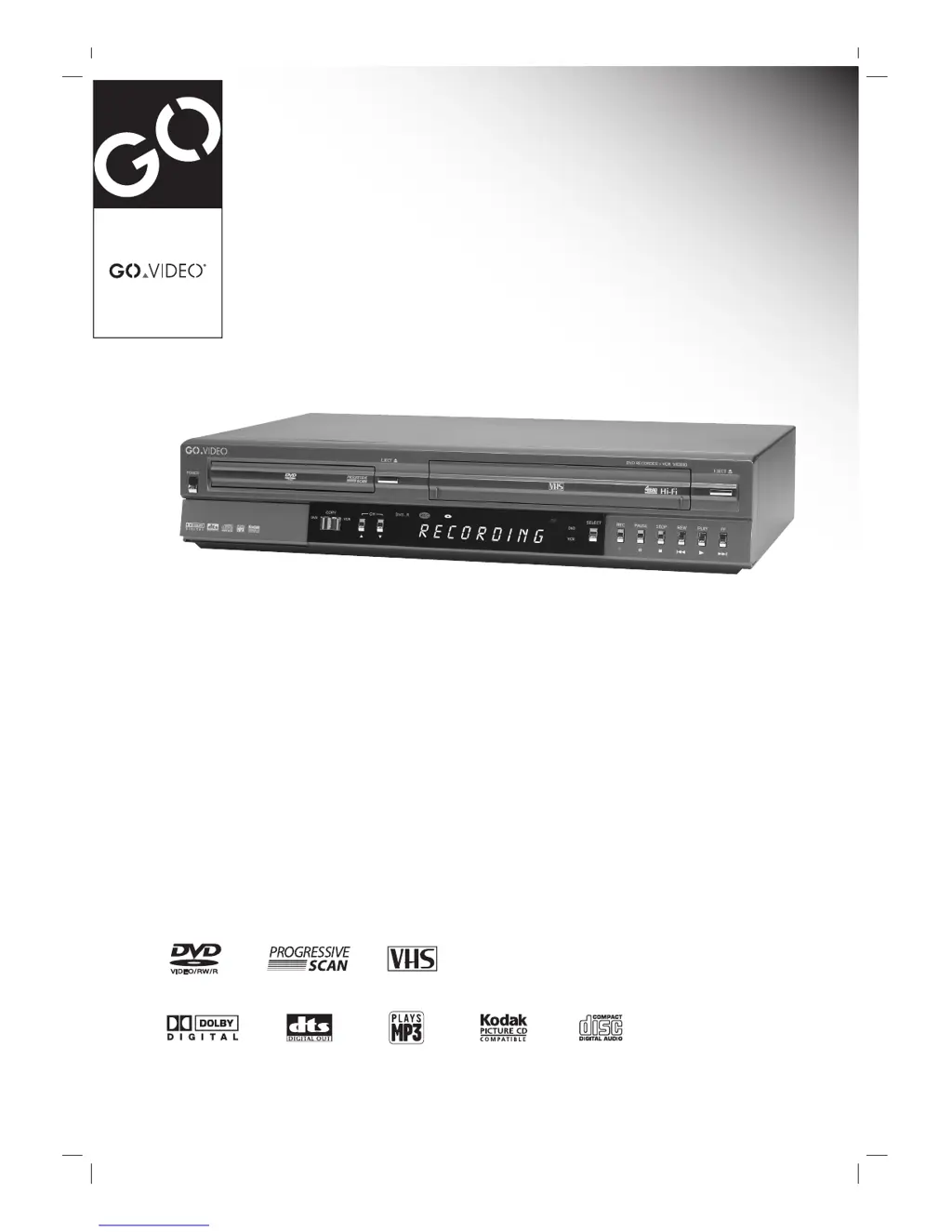
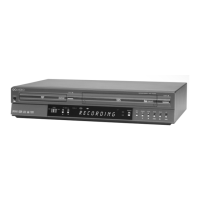
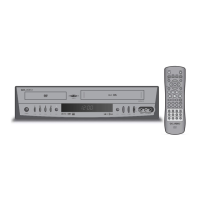
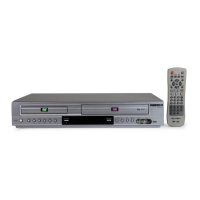
GoVideo VR3930 - User Manual

GoVideo VR3930
60 pages
Print Icon
To Next Page IconTo Next Page
Loading...
DVD Recorder+VCR
VR3930
User Manual

Table of Contents

Other manuals for GoVideo VR3930

Questions and Answers

Summary

Safety Precautions

General Safety Warnings

Groups cautions and warnings about electric shock, fire hazards, and proper usage environment.

Regulatory Information

Covers FCC Part 15 compliance, warnings, and FCC compliance responsibility.

Important Safety Instructions

VR3930 Overview

Disc Information

Details recordable and playable discs, defines disc-related terms, and provides notes on DVD playback.

VR3930 Overview (Continued)

DVD Disc Types and Modes

Explains differences between DVD-R/RW discs and introduces Video and VR recording modes.

DVD Editing and Recording

Compares DVD editing to videotape editing and provides notes on DVD recording.

VR3930 Overview (Continued)

Recording Details and Restrictions

Covers recording notes, TV audio channels, video restrictions, CPRM, and copyright notice.

VR3930 Overview (Continued)

Unit Handling and Care

Details precautions for handling, cleaning the unit, and remote control operation.

Disc Handling and Care

Provides instructions on how to handle, store, and clean discs to maintain quality.

Symbols and Icons

Explains the meaning of symbols and icons used throughout the manual.

Front Panel Overview

Front Panel Display Overview

Remote Control Overview

Rear Panel Overview

Connections

Connection Tips and Antenna;Cable Setup

Offers general connection advice and details on connecting antenna or cable TV.

Cable Service Hookups

Explains connection procedures for cable service with and without a cable box.

Connections (Continued)

Connecting a TV

Details various methods for connecting the DVD Recorder+VCR to a television.

Connections (Continued)

Connecting an Amplifier;Receiver

Provides instructions for connecting to audio systems like amplifiers and receivers.

Connections (Continued)

External Equipment and Camcorder Connection

Details connecting optional equipment via AV inputs and connecting a digital camcorder via DV input.

Initial Setup

Setup Menu Navigation and General Settings

Covers setup menu structure, navigation, and general settings like tuning band and auto channel setup.

Initial Setup (Continued)

Channel Management and Clock Setup

Explains how to add/delete channels and configure automatic or manual clock settings.

Initial Setup (Continued)

Picture and Language Settings

Covers TV aspect ratio, progressive scan, and language settings for menus and audio.

Initial Setup (Continued)

Audio Settings Configuration

Details audio output options including Dolby Digital, DTS, MPEG, and surround sound settings.

Initial Setup (Continued)

Lock Settings and Password Management

Manages parental controls, disc ratings, and password settings for the unit.

Initial Setup (Continued)

Country Code Setting

Sets the country code for DVD rating standards.

Record Settings

Recording Modes (Disc and VCR)

Sets the default recording quality for DVD discs and VHS tapes.

Initial Setup (Continued)

DV Record Audio and Auto Chapter Setup

Configures audio for DV input and automatic chapter marking during recording.

Disc Settings

Disc Initialize

Formats discs for maximum compatibility or to enable advanced editing features.

Auto Chapter Setup

Automatically adds chapter markers during recording at set intervals.

Initial Setup (Continued)

Disc Finalize and Protect

Locks recordings and prevents accidental editing/recording on VR mode discs.

EZ Play and My DVD Features

Configures automatic playback bypassing menus and preference settings.

Initial Setup (Continued)

Disc Name Assignment

Assigns a name to discs for easy identification on-screen.

Initial Setup (Continued)

On-Screen Display Information

Explains how to display and remove disc and TV information on-screen.

TV Channel and Audio Control

Guides on changing TV channels and switching between audio modes (Stereo, Mono, SAP).

Initial Setup (Continued)

OSD Menu Options by Media Type

Details on-screen menu options for DVD and VR media playback.

Initial Setup (Continued)

OSD Menu Options by Media Type (Continued)

Details on-screen menu options for Video and VHS media playback.

DVD Playback

Playback Setup and Navigation

Basic playback preparation and controls like selecting titles/chapters and slow motion.

DVD Playback (Continued)

Advanced Playback Features

Covers still picture, frame-by-frame, search, random, and repeat playback functions.

DVD Playback (Continued)

Time Search, Zoom, and Markers

Navigating playback using time search, zoom, and scene marker functions.

Disc and Title Menus

Instructions on how to access and use DVD interactive menus.

DVD Playback (Continued)

Playback Options

Covers camera angle, audio language, 3D surround, subtitles, and remembering disc settings.

Audio CD and MP3 Operation

Playing Audio CDs and MP3 Discs

How to play music CDs and MP3 files stored on discs.

MP3 Recording Considerations

Notes on MP3 file compatibility, format, and recording practices.

Audio CD and MP3 Operation (Continued)

Music Playback Controls

Details playback functions like pause, skip, repeat, random, and search for music discs.

Program Playback with Audio CD and MP3

Creating and Managing Playlists

Guides on building custom playlists and managing programmed tracks.

JPEG Disc Operation

Viewing JPEG Images and Slideshows

How to view JPEG files, rotate images, and create slideshows.

JPEG Recording Notes

Important considerations and tips for recording JPEG files.

VCR Playback

VCR Playback Preparation and Tape Playback

Initial steps for VCR playback and instructions for playing VHS tapes.

VCR Special Playback Features

Covers VCR search, still picture, slow motion, and counter memory functions.

Basic Recording

Recording TV Programs

Step-by-step guide on how to record television programs.

One Touch Record (OTR) and Time Management

Features for setting recording duration and managing recording time.

Recording Process Controls

Details on pausing, resuming, and watching other channels while recording.

Basic Recording

One Touch Copy Operations

Procedures for copying content between DVD to VHS and VHS to DVD.

Timer Recording

Timer Recording Management and Troubleshooting

Covers checking, canceling, stopping, and resolving timer recording issues.

Recording from an External Input

Recording from External Components and Camcorders

Connecting and recording from external sources like VCRs, camcorders, and DV devices.

Disc Playback Compatibility and Finalization

Notes on playing recorded discs on other players and preparing discs for playback.

Recording from an External Input (Continued)

Understanding DV Input and Messages

Explains DV input technology, common messages, and troubleshooting for DV connections.

VR Mode: Original and Playlist Editing

VR Mode Editing Basics

Introduces VR mode editing concepts, titles, chapters, and chapter markers.

Thumbnail Customization

Guides on changing title and chapter thumbnail images.

VR Mode: Original and Playlist Editing (Continued)

Using Original Menus (Title and Chapter)

Navigating and editing content using the Original title and chapter menus.

VR Mode: Original and Playlist Editing (Continued)

Using Playlist Menus (Title and Chapter)

Navigating and managing playlist content using title and chapter menus.

VR Mode: Original and Playlist Editing (Continued)

Naming Titles and Creating Playlists

Renaming original or playlist titles and adding content to playlists.

VR Mode: Original and Playlist Editing (Continued)

Erasing and Adding Titles;Chapters

Managing titles and chapters by erasing or adding them to playlists and originals.

VR Mode: Original and Playlist Editing (Continued)

Chapter Manipulation (Combine and Move)

Merging adjacent chapters and rearranging chapter order within playlists.

VR Mode: Original and Playlist Editing (Continued)

Deleting Parts of a Title

Erasing specific segments or parts from a title within a playlist or original.

Video Mode: Original Editing

Title List Operations

Using the title list for playback, naming, and erasing titles in Video mode.

Finalized Disc Display Information

Describes the screen appearance of a disc after it has been finalized.

Programming the MultiBrand Remote

Remote Control for TV Operation

Lists buttons used for TV operation and provides TV codes for remote programming.

Language Code List

Country Code List

Troubleshooting

Troubleshooting (Continued)

Moisture Condensation and Unit Reset

Addresses condensation issues and provides steps for resetting the device.

Technical Specifications

General and Recording Specs

Covers power requirements, dimensions, operating conditions, and recording formats.

VCR and DVD Component Specs

Details technical specifications for the VCR and DVD components.

Input Port Specifications

Information on the types and specifications of input connectors.

Technical Specifications (Continued)

Output Port and Accessory Specs

Details on output connectors and a list of included accessories.

Limited Warranty

Warranty Coverage and Service

Details what is covered, the warranty period, and how to obtain service.

Warranty Exclusions and Limitations

Lists items not covered by the warranty and legal limitations.

GoVideo VR3930 Specifications

General IconGeneral
BrandGoVideo
ModelVR3930
CategoryDVD VCR Combo
LanguageEnglish

Related product manuals