Need help?
Do you have a question about the goxtreme REBEL and is the answer not in the manual?
Important precautions and warnings for safe camera operation and device care.
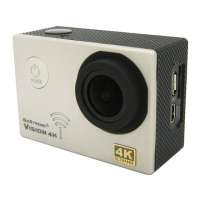
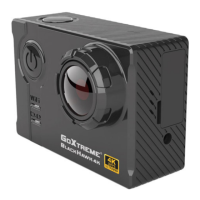
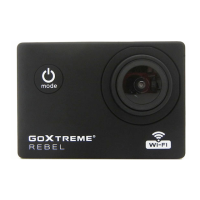
Highlights the key capabilities and specifications of the GoXtreme Rebel action camera.
Guide to inserting the MicroSD card, handling the battery, powering on/off, and switching modes.
Instructions for starting, stopping, and managing video recording sessions.
Steps and guidance for taking still photographs with the camera.
How to access and review recorded videos and photos on the camera.
Instructions for navigating and adjusting the camera's configuration settings.
Procedure for connecting the camera to a computer via USB for data transfer or webcam usage.
Steps to connect the camera wirelessly to a smartphone or tablet via Wi-Fi.
 General
| Brand | goxtreme |
|---|---|
| Model | REBEL |
| Category | Action Cameras |
| Language | English |

 To Next Page