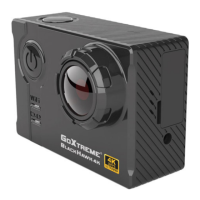
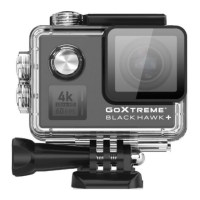
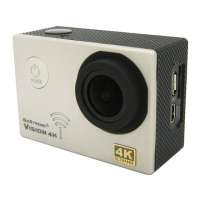
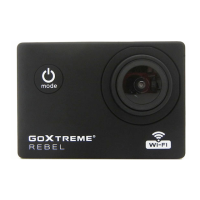
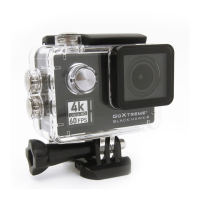
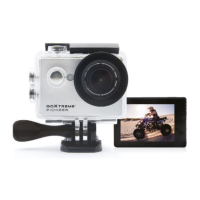
!
!!!!!!!!!User’s!manual!
!
Warning!
1. Always!take!the!appropriate!steps!to!protect!your!camera!from!falls,!shock!or!impact.!
2. Ensure!a!suitable!distance!is!kept!from!any!objects!with!strong!magnetic!interference!such!as!
electrical!machinery!in!order!to!avoid!strong!radio!waves!that!may!be!damaging!to!the!product!a nd !
affect!the!sound!or!image!quality.!
3. Never!expose!the!product!directly!to !high !tem p eratu res!an d !prolonged!strong!sunlight.!
4. We!recommend!using!high!quality,!class!6!or!above!Micro!SD!Card!for!the!best!results.!
5. To!avoid!potential!data!error,!avoid!placing!your!Micro!SD!card!near!strong!magnetic!objects.!
6. In!the!un like ly !ev e n t!o f!o v e rh ea t ing ,!u n wanted !smoke!or!u n p le a sa n t!s mell!from !th e !d e vic e ,!u np lu g !it !
immed ia te ly!fro m!the!power!outle t!to !pr ev e n t!ha z ard o u s ! fire.!
7. Keep!the!device!out!of!reach!of!children!while!charging.!
8. The!device!should!be!stored!in!a!dry!and!dust!free!location!at!normal!room!temperature!and!out!of!
direct!sunlight.!
9. The!product!should!only!be!charged!via!laptop!or!computer!USB!port.!
10. Before!using!your!camera!in!the!water!please!verify!that!all!lids!and!locks!are!tightly!closed!and!sealed!
on!the!camera!and!the!underwater!case.!
11. After!use,!clean!the!housing!of!salt!and!chlorine!water!and!then!let!it!dry.!
12. The!camera!should!not!be!exposed!to!large!temperature!and!humidity!differences!to!avoid!
condensation!inside!the!housing!or!behind!the!lens.!
13. After!underwater!use,!the!case!must!be!kept!open!to!avoid!condensation!or!rust.!
14. Recording!times!are!depending!on!resolution.!
15. Battery!life!time!-!depending!on!settings!and!outdoor!temperature!-!up!to!90!min.! !
under!optimal!conditions.!
16. After!reaching!a!max.!video!recording!time!of!max.!25!minutes!the!camera!will!automatically!stop.!
It!can!only !b e !re s ta rte d !manua lly .!
!
!

 Need help?
 General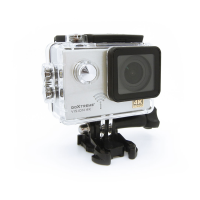

 To Next Page