EasyManua.ls Logo

GP M20B - User Manual

GP M20B
7 pages
Print Icon
To Next Page IconTo Next Page
Loading...
210157_M20_IB_V1_06
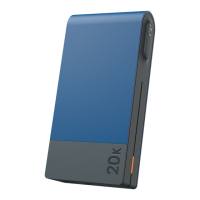
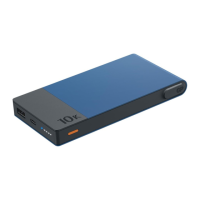
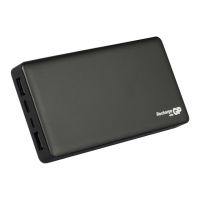
M20B PowerBank
Instruction Manual
Question and Answer IconNeed help?

Do you have a question about the GP M20B and is the answer not in the manual?

Summary

Using Your Product

Recharging the PowerBank

Connect the PowerBank to a USB charger or computer using the provided cable.

Charging Your Devices

Connect devices to the PowerBank's USB ports for simultaneous charging.

Low Power Mode

Activating Low Power Mode

Double press the button to activate Low Power Mode for low power devices.

Exiting Low Power Mode

Press the button once to exit Low Power Mode.

User Tips

PowerBank Behavior

The PowerBank auto-shuts down when depleted and may warm up during use.

Battery Preservation

Recharge at least once every 4 months to preserve battery lifespan.

Specifications

Safety Information

Summary

Using Your Product

Recharging the PowerBank

Connect the PowerBank to a USB charger or computer using the provided cable.

Charging Your Devices

Connect devices to the PowerBank's USB ports for simultaneous charging.

Low Power Mode

Activating Low Power Mode

Double press the button to activate Low Power Mode for low power devices.

Exiting Low Power Mode

Press the button once to exit Low Power Mode.

User Tips

PowerBank Behavior

The PowerBank auto-shuts down when depleted and may warm up during use.

Battery Preservation

Recharge at least once every 4 months to preserve battery lifespan.

Specifications

Safety Information

GP M20B Specifications

General IconGeneral
CategoryAccessories
TypePower Bank
Capacity20000mAh
Battery TypeLithium Polymer
Input5V/2A
Output5V/2.1A
FeaturesLED Indicator, Overcharge Protection, Short Circuit Protection
ChemistryLithium Polymer
Ports2 USB ports

Related product manuals