10
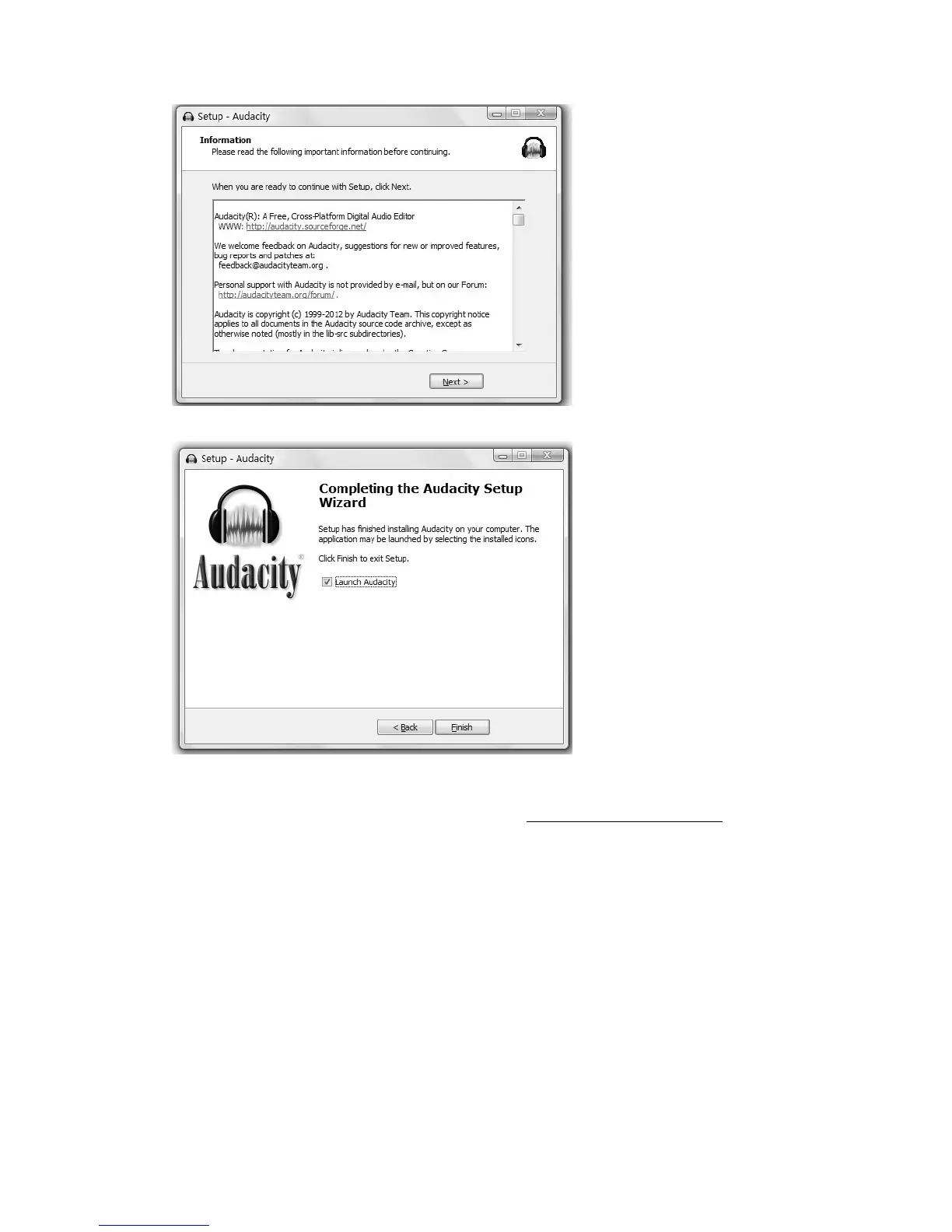
5. Click on Next to continue.
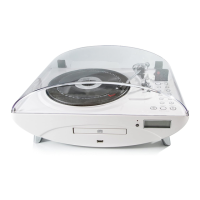
6. Click on Finish to complete installation.
7. You can now open the Audacity software and start recording your files.
NOTE: Once you set up Audacity, you do not need to re-set it with each use.
(For additional information, visit the Audacity website at http://audacity.sourceforge.net
)
Configuring Audacity for Microsoft Windows
Audacity Interface


 To Next Page