EasyManua.ls Logo

GPS TK06A - Continuous Tracking Configuration; Voice Monitoring Setup; Geo-fencing Setup

GPS TK06A
17 pages
Print Icon
To Next Page IconTo Next Page
To Previous Page IconTo Previous Page
Loading...
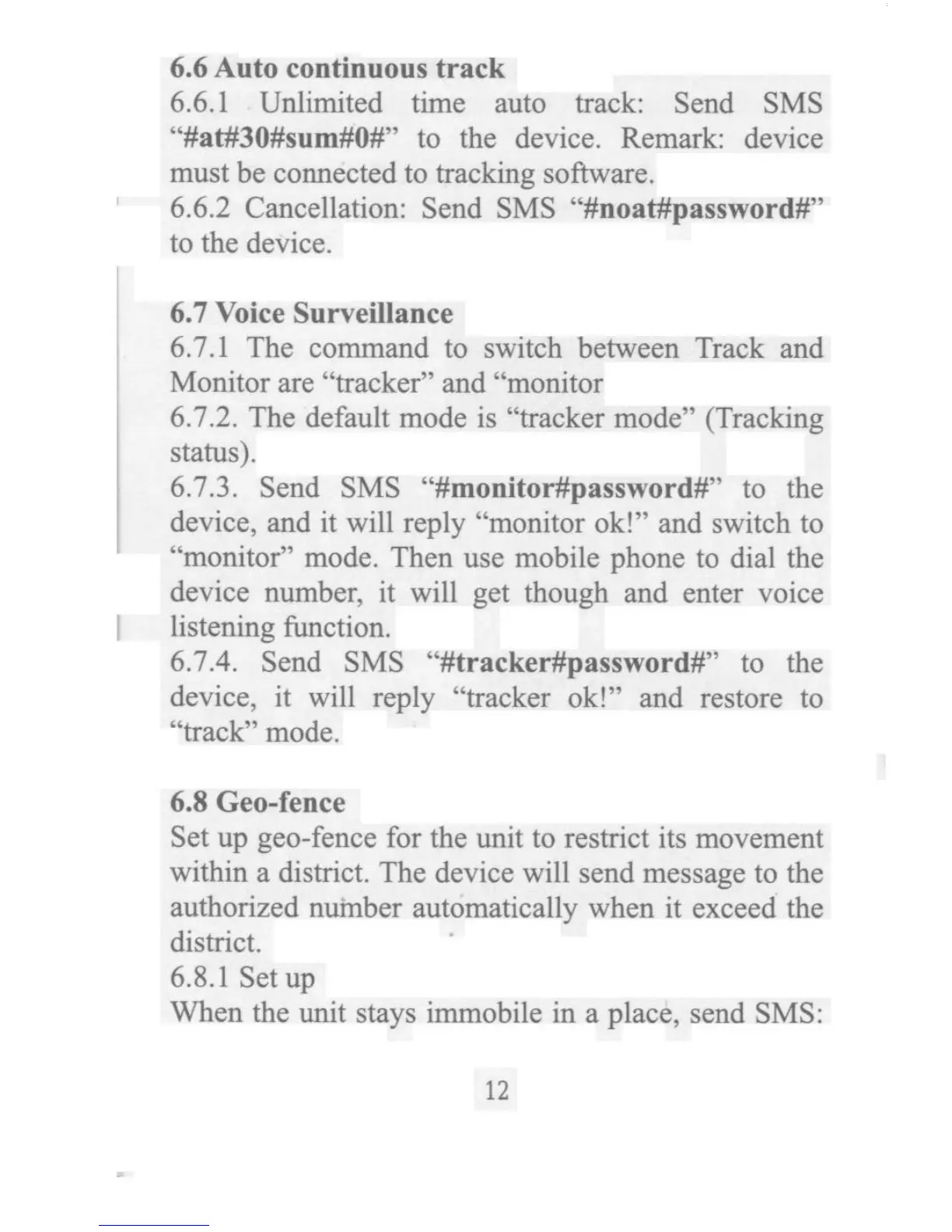
6.6 Auta con_nuous track 6.6.l Unlimited time auto track: Send SMS ''#at#30#sum#O#'' to the device. Remark: device must be connected to _acking sofhvare. 6.6.2 Cancel1ation: Send SMS ''#noa_pas_word#'' to thedevice. 6.7 Voice Surveillance 6.7.1 The command to switch behveen Track and Manitor are ''kacker'' and ''monitor 6.7.2. The defa4It mode is ''tracker mode'' (Tracking status). 6.7.3. Send SMS ''#monitor#password#'' ta the device, and it will reply ''monitor ok!'' and switch to ''monitor'' mode. Then 4se mobile phone to dial the device number, it will get though and enter voice IisteningnJnction. 6.7.4. Send SMS ''#tracker#password#'' to the device, it wiIl reply ''tracker ok!'' and restore to ''track''mode. 6.8Geo-rence Set up gea-fence for the unit to rest_ct its movement within a dist_ct. The device will send message to the authorized number automatically when it exceed the district. 6.8.l Setup When the unit stays immobile in a place, send SMS: 12

Related product manuals