Quick Start Connection Guide
3
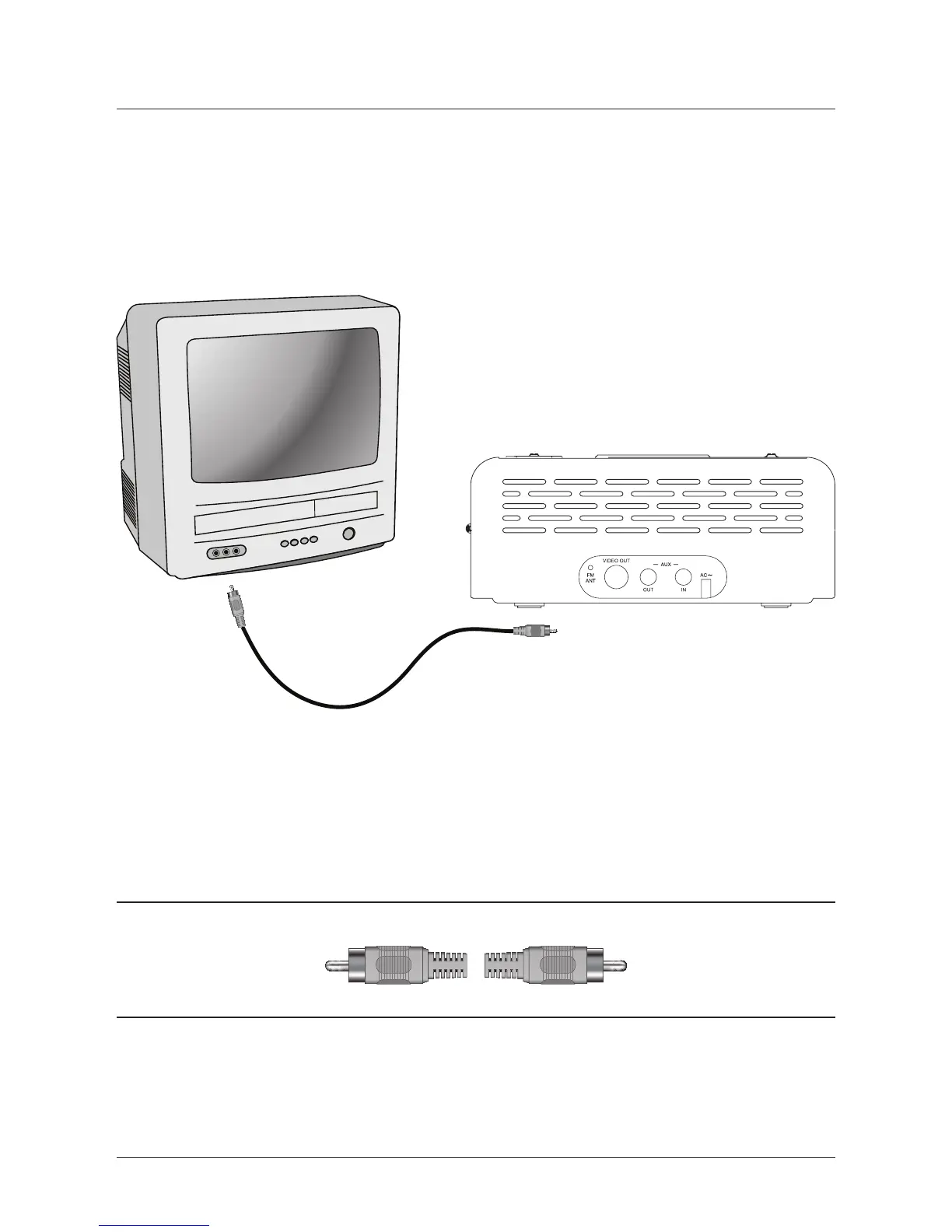
To Television From Unit
YELLOW
Connect to the video input
connection.
Connect to the video output
connection.
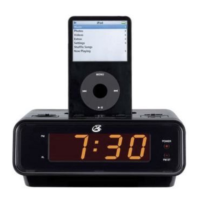
• To watch an iPod through the TV, select, on the iPod, either Slideshow Settings in Photos, or Video
Settings in Videos. Then set the TV Out setting to On.
• Be sure to select the appropriate Video Input on the Television set.


 To Next Page