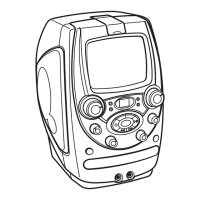
Playing a CD+G or CD
6
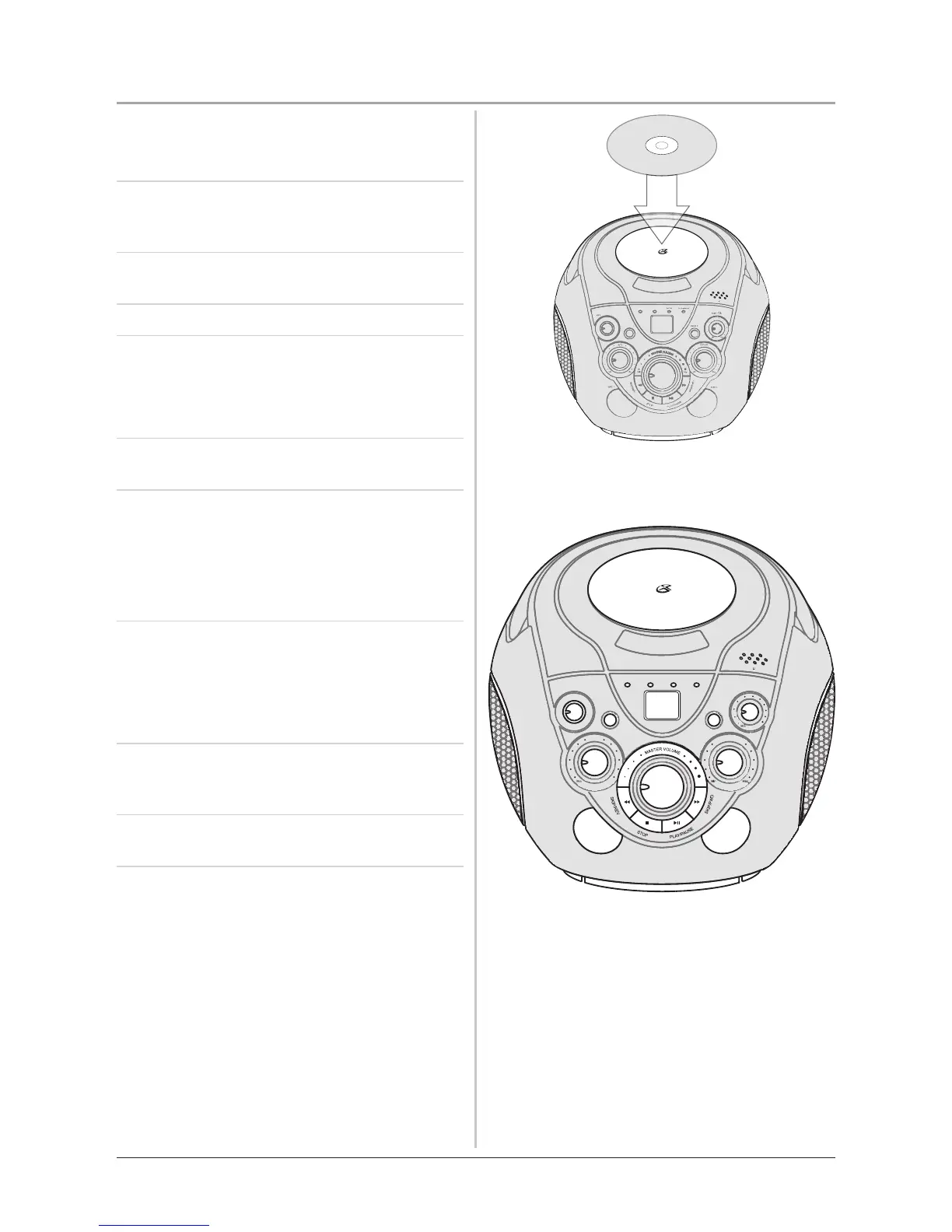
1 Plug the unit into a standard 120V outlet,
turn the power on, and load a standard CD+G
Karaoke Disc into the unit.
2 If playing a CD+G, plug the included Omni-
Directional Microphone into a Microphone
Input, and turn the Microphone on.
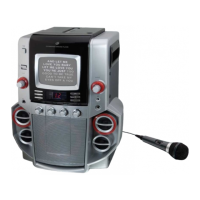
3 Press the Play/Pause Button to play the loaded
CD+G.
4 Turn the Volume Dial to adjust the volume.
5 Press the Skip & Search Buttons to skip tracks
, or press and hold the Skip & Search Buttons
to search through an individual track.
The search feature will only work with CDs.
6 Press the Stop Button to stop a CD or CD+G
during play.
7 Press the Repeat Button once to repeat an
individual song; when activated, the Repeat
Indicator will blink red. Press the Repeat
Button twice to repeat an entire CD; when
activated, the Repeat Indicator Light will turn
red without blinking.
7 Turn the Microphone Volume Dial to adjust
the volume of microphone
If microphone feedback noise occurs, turn the
microphone volume down and/or move the mic
away from the unit’s speakers.
8 Turn the Automatic Voice Control Dial to
compensate for varying levels of volume from
the microphone.
9 Turn the Echo Dial to adjust the degree of echo
output from the speakers.



 To Next Page