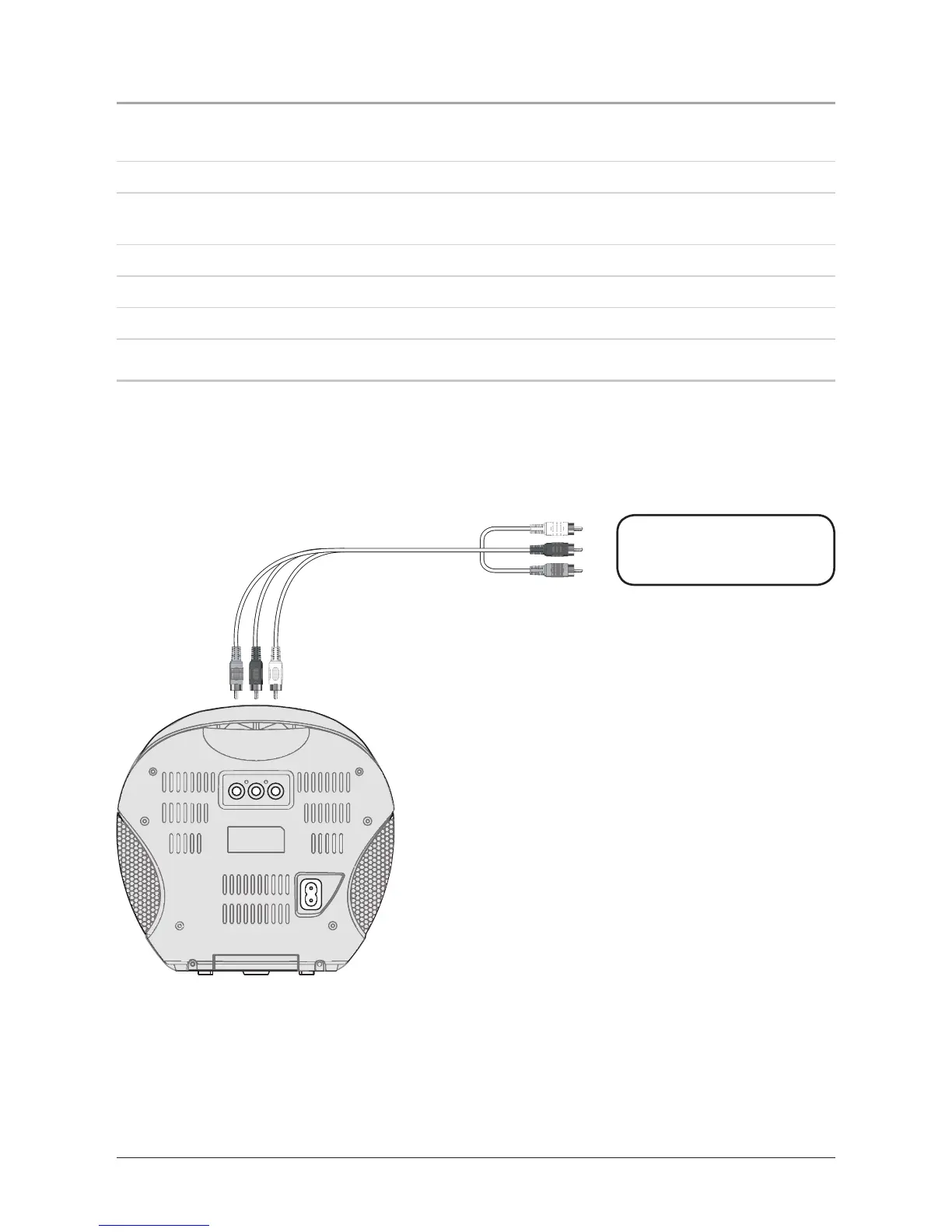
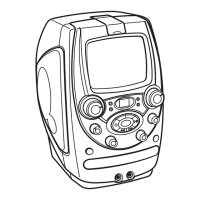
Video Out: Connecting to a Television
8
When connecting two products using an RCA Cable, match the colored ports with the same colored
connection. (Red to Red, White to White, and Yellow to Yellow)
The Video Output must be used in order to see lyrics from a loaded CD+G Karaoke Disc.
1 Plug one end of the RCA Cable (included) into the Video Output and Audio Output on the karaoke
unit.
2 Plug the other end of the RCA Cable into a video and audio inputs on the television.
3 Set the television to the appropriate video input.
4 Follow the instructions on page 6 for Playing a CD+G.
5 Lyrics from a CD+G disc will now display on the television.



 To Next Page